
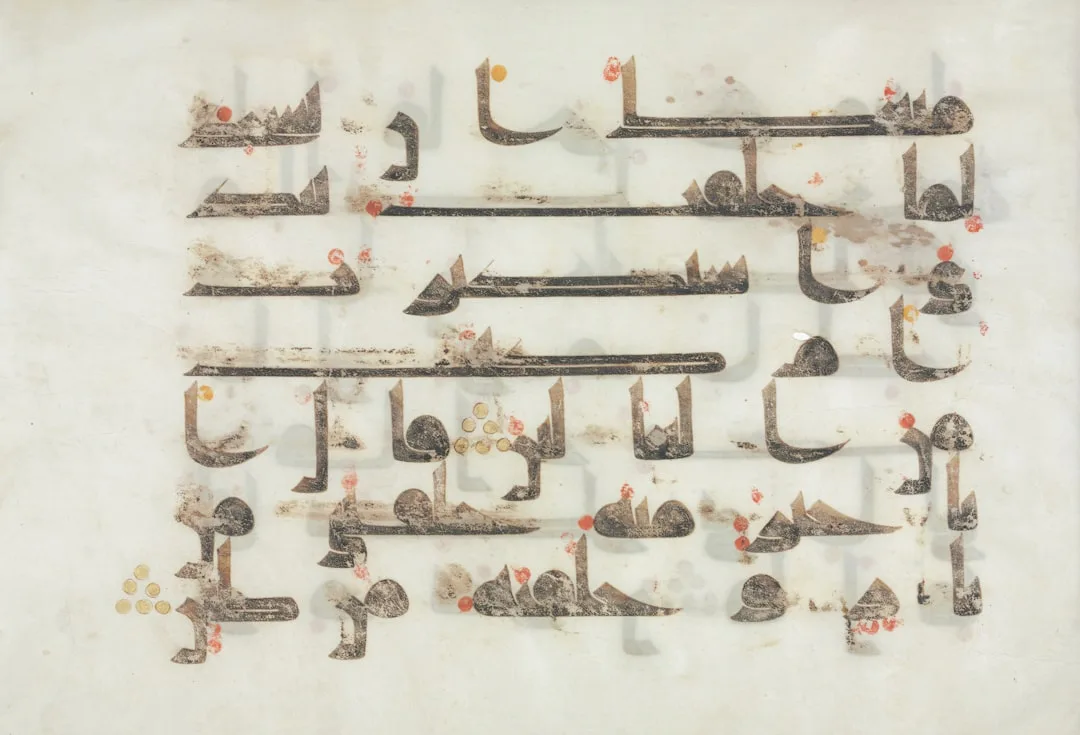
A Question Mark in the Wrong Place
He wrote the sentence and ended it with a question mark.
The mark appeared at the start of the line rather than the end.
He tried to fix it. Deleted and retyped, and it moved from one spot to another. Copied and pasted, and the whole order changed.
In the end he added a space in an odd position until the sentence looked right.
Then on the next line it happened again.
And when he inserted a number between two Arabic words, everything around it flipped.
The tool wasn't broken. It was built for left-to-right writing, with the Arabic direction added on top as an extra layer. So everything that works, works after a contortion.
What he lost wasn't the minutes of fixing, it was that his attention moved from writing to a fight with the tool.
The Problem Isn't Translation, It's Design
There's a large difference between a tool whose interface was translated into Arabic and one designed in Arabic from the start.
A translated tool still carries the assumptions of the original design language: the ordering, the way menus display, even the way text is read. A tool built in Arabic from the beginning doesn't have to contort itself to fit the direction of writing.
What Changes When a Tool Is Natively Arabic
Direction Isn't a Patch
In a translated tool, right-to-left writing is usually added as an extra layer on top of an original left-to-right design. The result is interface elements moving strangely or text breaking, as at the top of this article.
In Bardiyah the direction is part of the design from the start.
Cards and Scripts That Understand the Language
Writing a video script in Arabic has a different rhythm from English: sentences are built differently, and each Arabic dialect has writing conventions that differ from Modern Standard Arabic.
A writing tool that recognises this difference makes writing easier rather than imposing an unnatural style on you.
AI Connected in Your Language
When you use an AI assistant like Claude with Bardiyah via MCP, the content the assistant works on is Arabic from the start, not text translated back and forth.
This reduces the errors that occur when a language model tries to think in one language and write in another.
Who Benefits Most
A creator writing in an Arabic dialect will feel a clear difference when the tool doesn't try to "correct" their style as an error against Modern Standard Arabic.
A tool designed for Arabic recognises that writing in dialect has its own conventions, and isn't a spelling mistake.
A Quick Comparison
| Criterion | A tool translated into Arabic | Bardiyah |
|---|---|---|
| Interface direction | An extra layer over an English design | A core part of the design |
| Dialect handling | Treats dialect as an error | Handles Arabic writing styles naturally |
| AI connection | Depends on intermediate translation | Works on Arabic content directly |
In Short
The difference between "supports Arabic" and "built for Arabic" isn't a small detail.
It's what determines whether you feel you're using a tool made for you, or working around design constraints that were never set with you in mind, and losing your attention to a question mark instead of the sentence before it.