
The Hour You Pay Every Week
Imagine your Saturday.
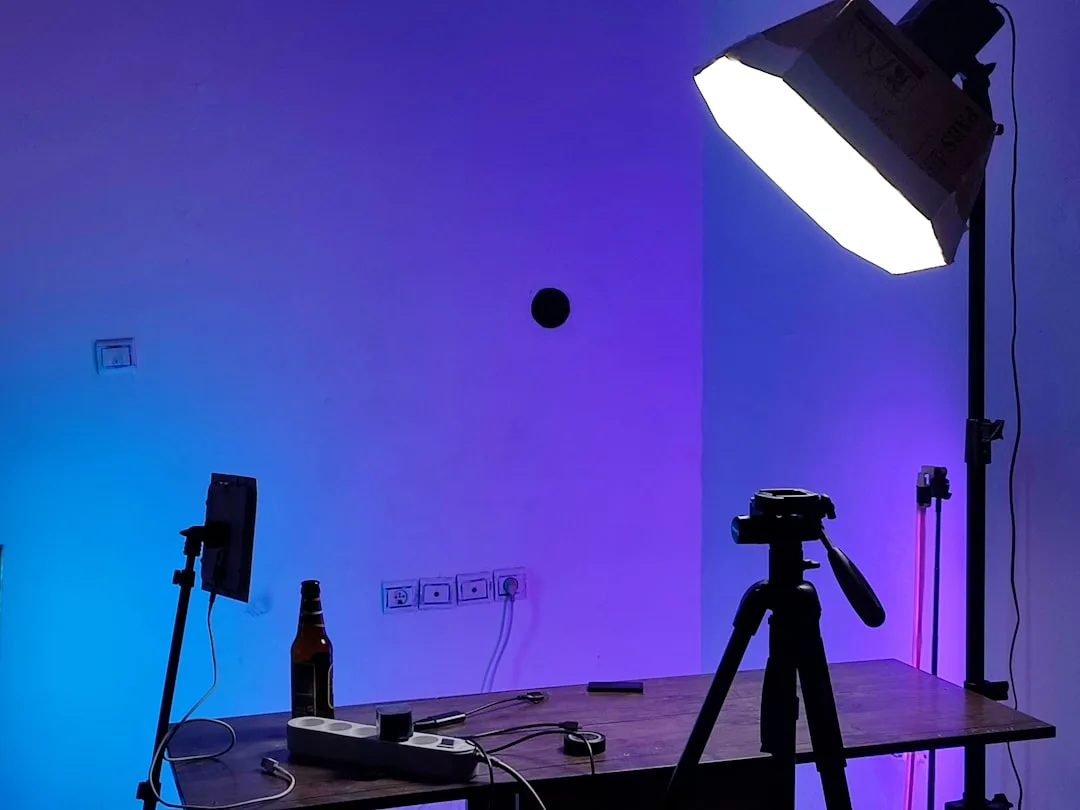
You get up, tidy the room, and move everything that shouldn't appear in frame. You set up the tripod, adjust the lights, test the audio and readjust it twice. You change your clothes, check the mirror, and talk for a bit to warm your voice up.
An hour and a quarter later, you're ready to film.
So you film a twelve-minute video, which takes forty minutes.
Then you pack everything away, tidy the room, and put everything back where it was.
And next Saturday you do all of it again.
You're paying an hour and a half of setup for forty minutes of filming, four times a month.
And that hour and a half gets paid exactly once whether you film one video or four.
Why Batching Genuinely Saves Time
Because most of a video's time doesn't go into filming at all.
Count what repeats every time: tidying the space, setting up camera and lights, adjusting and testing audio, getting yourself ready, and packing down afterwards.
There's a second, less obvious benefit: after the first video you're in the rhythm. So the second and third are faster and better performed than a first attempt on a separate day.
The Condition You Can't Skip
All the scripts finished before the day.
Batch filming with one finished script and three ideas in your head ends with one usable video and three you'll reshoot another day.
Preparation also includes: listing the shots needed for each video, preparing anything that appears in frame, charging every battery and emptying every card, and having the scripts displayed somewhere you can see them from in front of the camera.
And a Teleprompter Shortens the Whole Day
The longest part of a batch day isn't filming, it's refilming.
You forget a line, so you redo the take. You flip the order of two points, so you redo the take. And four scripts in your head at once means you'll be redoing a lot.
A teleprompter solves all of it. The text scrolls in front of you while you look into the lens, so you record the video start to finish in one pass however long it is.
Four things to set before you begin:
Scroll speed, matched to how fast you talk, so you're neither chasing the text nor waiting for it.
Font size, matched to how far you sit from the screen.
Reading column width. A narrow column keeps your eye in one place instead of travelling side to side, and that alone hides the fact that you're reading.
And the text's position and height from the top of the screen, so it sits directly under the lens and you look like you're addressing the viewer rather than something beside them.
And for a batch day specifically: load all four scripts before you start. You finish the first and open the second in a second, with no paper and no trying to remember.
The Decisive Rule: Change Your Clothes
Between each video and the next, change your shirt.
Why? Because you'll publish these videos over several weeks, and appearing in the same clothes four weeks running reveals they were all shot at once. And that reduces the sense of presence and freshness.
Three details of the same kind: change something small in the background, don't mention the date or the weather or a current event, and watch your hair if it changes.
Order by Setup, Not by Publishing Date
The common mistake is filming videos in the order you'll publish them.
The right approach is grouping everything that shares a setup.
| Group | What's in it |
|---|---|
| Sitting at the desk | All direct-to-camera segments for every video |
| Standing at the wall | All intros and outros |
| Tabletop shots | All cutaways of objects |
| Outdoors | Everything needing daylight |
So you move between setups once, not four times back and forth.
A Realistic Day's Schedule
Don't try to film eight videos. Fatigue shows in your delivery and ruins everything after the third or fourth.
First hour for setup and testing. Then two videos, then a real twenty-minute break. Then two more. And finally all the cutaways in one go.
And keep half an hour at the end to refilm anything that felt wrong, while you're still in the same setup.
What Ruins a Batch Day
Vocal fatigue. Your voice after four hours isn't your voice in the first hour. Drink water and actually rest.
Compounding setup errors. If the audio is wrong, everything is ruined rather than one video. Test seriously at the start.
Boredom with the subject. Filming four videos on the same subject leaves the last one flat. Vary the subjects within the day.
And skipping the cull. Copy and sort the same night, because four videos' worth of material becomes an unreadable blob after a week.
And What Doesn't Suit Batching
Content tied to a current event, because it goes stale before publication.
Videos that need research in between, where each one builds on the previous one's comments.
And location visits whose timing other people control.
In Short
Prepare every script. Run the teleprompter. Order by setup. Change your clothes. And don't exceed four.
One organised day gives you a month of publishing. And that's the difference between someone who publishes regularly and someone who publishes when they find the time.
Note: Running the teleprompter alongside the phone camera at the same time is available in the mobile app only.