
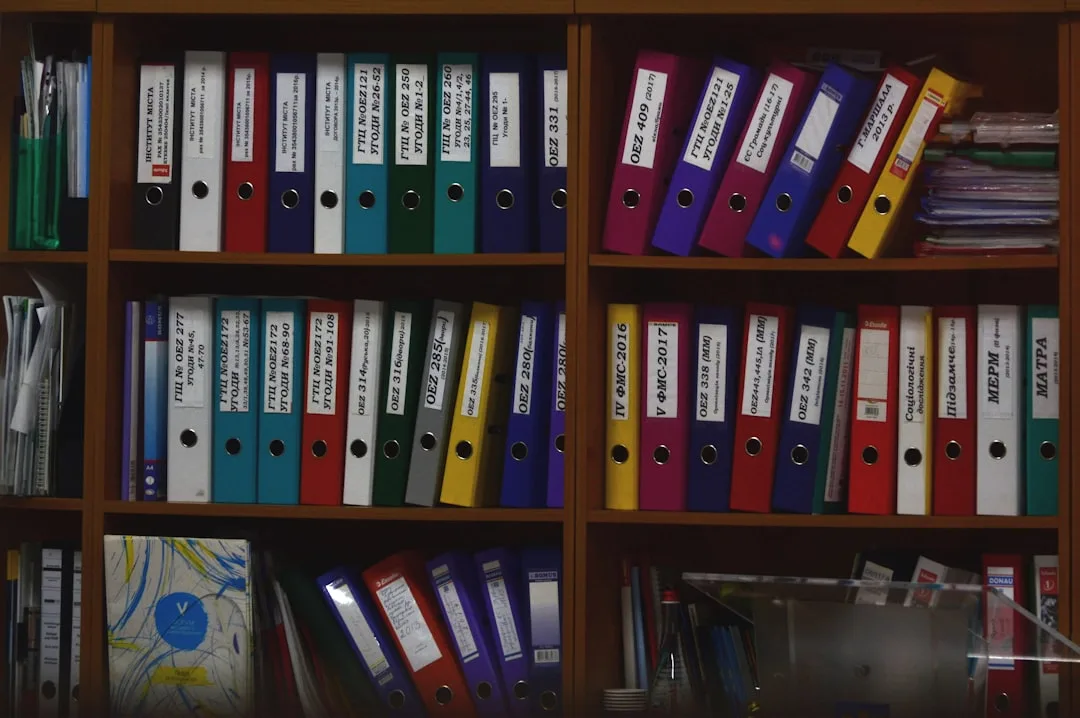
The Shot You Filmed Twice
Imagine being halfway through an edit and needing one shot.
You're certain you filmed it. You remember the day, you remember the light, you remember telling yourself at the time that it was beautiful.
So you opened your folders.
A folder called "videos", containing a folder called "new", containing a folder called "new 2". Another folder on the desktop called "temp transfer". An external drive with a folder named a date you can't decode.
You opened files named as numbers. You watched twenty clips you didn't need.
And two hours later you closed everything, picked up the camera, and filmed the shot again.
Why Organisation Usually Fails
Not because people don't know how to organise. Because they design a system for a well-rested day and then apply it on an exhausted one.
The only test of any system: can you execute it after eight hours of filming when all you want is sleep?
If it requires thinking every time, it'll collapse within a month.
Rule One: The Date Goes First
Start every name with year-month-day:
2026-08-19-friday-market
2026-08-24-ahmed-interview
Why that order specifically? Because computers sort text alphabetically, and this format makes alphabetical order match chronological order automatically.
And always use two digits. "08" not "8", otherwise month 10 lands before month 9 and the whole order collapses.
Rule Two: One Folder Per Project
The common mistake: a folder for video, a folder for audio, a folder for projects. So one video's material scatters across four places.
The right approach is everything belonging to one video living in one place:
2026-08-19-friday-market/
    01-raw/
    02-audio/
    03-assets/
    04-edit/
    05-exports/
And numbering the subfolders keeps them in workflow order rather than alphabetical order.
The benefit shows up a year later: when you want to archive, move or delete a project, you're handling one folder rather than searching four places.
Rule Three: Cull on Shoot Day, Not After
The most important twenty minutes in the whole organisation process are the ones you spend on the evening of the shoot.
Copy the card into the project folder. Delete the obvious failures, the shaky files and the ones that started by mistake. And rename the important shots with names that mean something.
Why today rather than tomorrow?
Because today you remember that file 0847 is the take that worked on the third attempt. A week from now you'll remember nothing, and you'll have to watch everything again. Which is exactly the two hours that vanished at the top of this article.
How to Name Shots
Don't name every file. Name only what you'll use, and leave the rest with their original names.
A simple format is enough:
interview-q03-good
wide-market-morning
cutaway-vendor-hands
And use one word indicating quality, like "good" or "selected". That's what you'll search for while editing.
Things That Get Missed and Cost a Lot
An assets folder. Every image, piece of music or licensed clip, with a text file logging the source of each. So when you're asked a year later, the answer exists.
A notes file. One text file at the root of the project: which shots are missing, what needs refilming, editing decisions. Ten lines saves you hours.
And the final export's name. Put the date and the version in it: "2026-08-19-friday-market-final-v2". And never name anything "final-final".
And When to Clean Up
A month after publishing, go back to the project.
Delete temporary edit files and preview caches. Keep the raw you used and delete the obvious failures. And move the whole folder into your archive.
And don't delete the raw immediately after publishing. Plenty of people need to go back to it for a short clip or a correction within weeks.
In Short
The date first. One folder per project. And culling on shoot day.
Three rules you can apply while exhausted.
Because a system that doesn't survive a bad day isn't a system.