
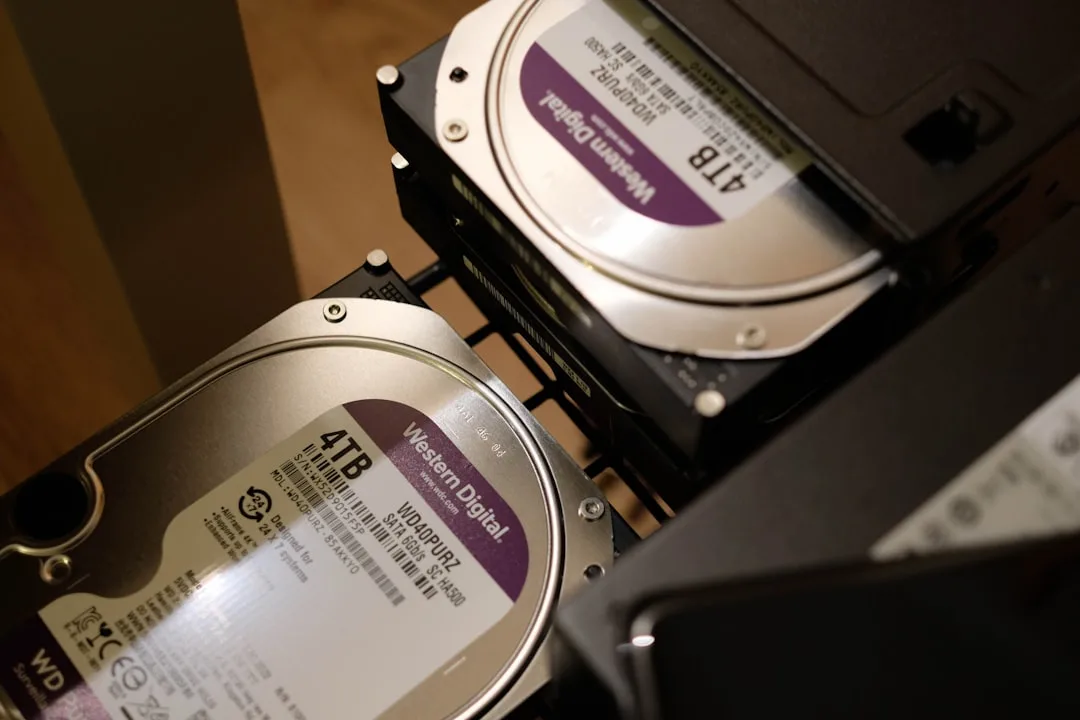
The Drive That Didn't Mount in the Morning
Imagine coming back from a ten-day shoot.
You copied everything onto an external drive the same night, wiped the cards because you'd need them next week, put the drive on the desk and went to sleep.
In the morning you plugged the drive in.
And nothing appeared.
You tried another port. You tried another computer. You listened to it and heard nothing unusual, because drives don't warn you before they fail.
Ten days. An interview with a man you'll never reach again. An event that happened once and won't happen twice.
And all of it could have been prevented by a second copy that takes twenty minutes.
What Actually Gets Lost
Hard drives usually fail with no warning. Cards corrupt. Computers get stolen and have drinks spilled on them.
And the real loss isn't the hardware, it's whatever can't be filmed again.
A shot of an event that passed and won't repeat. An interview with someone hard to reach. A trip that cost you a week and a lot of money.
Whereas anything you can re-download or redo costs you time rather than being a disaster. And telling the two apart is what decides what you protect first.
The Three-Copy Rule
The well-known rule in this field is simple.
Three copies of the important file.
On two different kinds of media, like a drive and the cloud, not two drives of the same model you bought together.
And one copy outside the place you work in.
The third point is where everyone goes wrong. Two drives in the same room are effectively one copy, because whatever happens to one happens to the other: theft, fire, or a spilled glass of water.
Where to Start in Practice
Don't try to protect everything at once. Start with an order.
| Priority | What | Why |
|---|---|---|
| 1 | Unpublished raw footage | Can never be replaced |
| 2 | Projects in progress | Redoing them means redoing all the work |
| 3 | Final exported files | Useful but can be re-exported |
| 4 | Old published archive | Exists on the platform at lower quality |
And unpublished raw footage is what you should copy the same night you shoot, before you sleep.
Three Things People Miss
An untested backup isn't a backup. Try restoring a file from it every few months. A lot of people discover their backups are corrupted on the day they need them.
Syncing isn't backing up. Services that sync a folder propagate deletions too. Delete a file by accident and it disappears from both sides. Backup keeps previous versions. Syncing doesn't.
And a card isn't storage. Empty it after every shoot. Keeping a month of material on one card is a bet on a small object that's easily lost.
A Simple System That Suits Most People
On the night of the shoot: copy the card to your working drive. Then copy it to a second, separate drive. Then check that the files actually open before you wipe the card.
Weekly: upload projects in progress to cloud storage.
Monthly: take the second drive somewhere else, your parents' house or your office, and bring it back with next month's copy.
The third step in that list is the most important, and the one most often skipped when you're tired. Wiping a card before confirming the copy is a routine way to lose an entire day.
And What You Don't Need
You don't need a complicated system to begin with. Two external drives and a cloud storage account will last you years.
And you don't need to upload everything to the cloud, because raw footage is large and expensive. Upload projects and exports, and keep the raw on drives.
In Short
Three copies, two kinds of media, one copy out of the house.
And start tonight with unpublished raw footage.
Everyone who has lost a project knew they should have been backing up, and hadn't got round to it yet.