
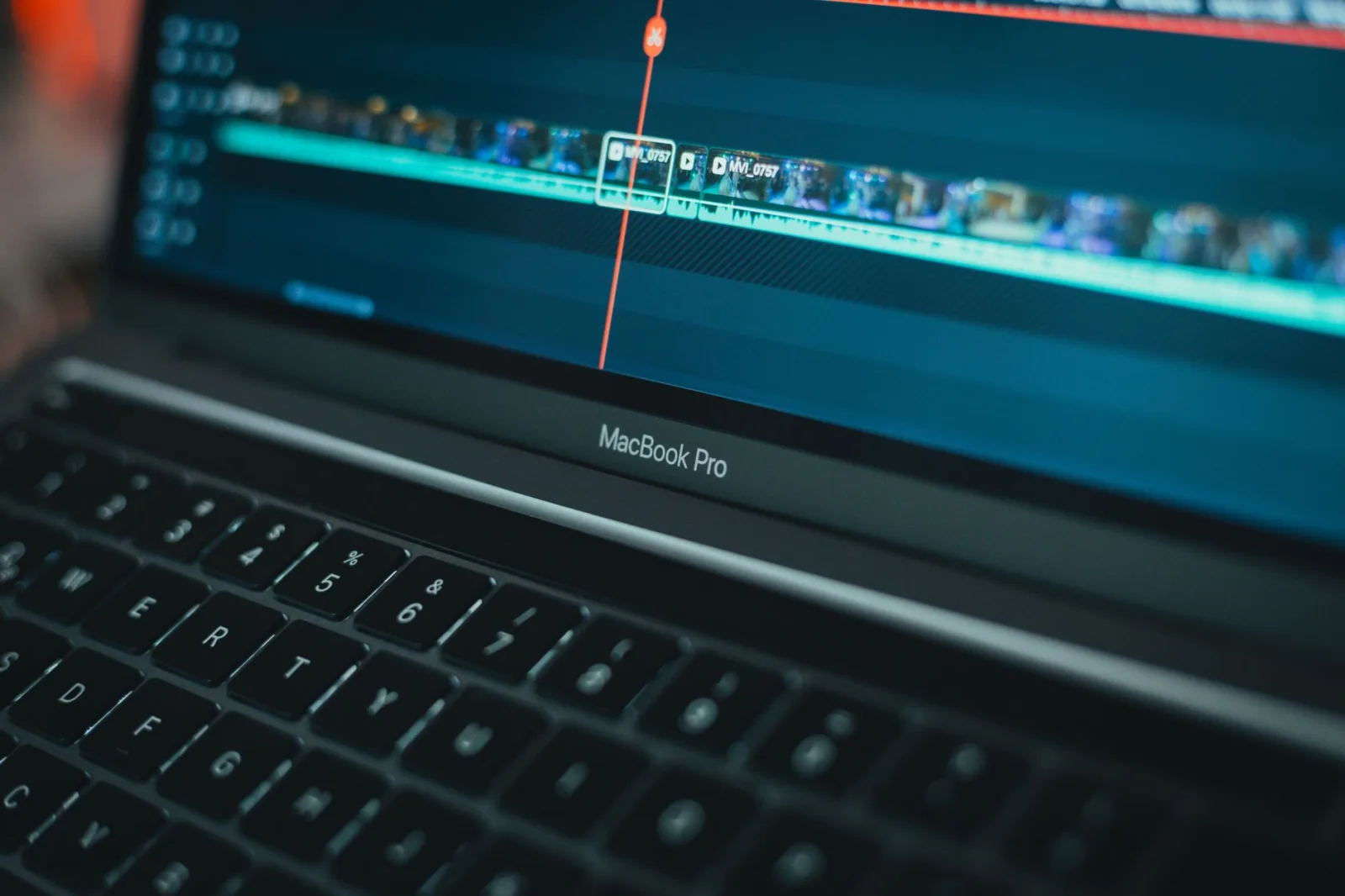
He dragged the day's files into the software and started. On the first pass over the timeline the picture froze for two seconds, then moved, then froze again. So he began cutting by guesswork: putting the playhead where he thought the sentence ended, exporting a short clip to watch it, then going back to correct it.
Four hours for work that deserved an hour and a half. That night he started reading about computer prices.
The truth is that most of this problem is not solved by buying anything, but by three free steps that professionals perform on powerful machines too, because modern camera files are heavy on every machine.
Why the timeline stutters in the first place
Compressed video out of a camera is not ready-made images; it is a recipe the computer unpacks every moment you watch it. The higher the resolution and the heavier the compression, the heavier that unpacking becomes.
Which is why you find a computer that plays a whole feature film without stuttering and then stumbles over one camera clip. The film is compressed in a way that is comfortable to play; the camera file is compressed in a way that preserves quality rather than easing playback.
What follows from this is that the problem is not always the computer's power, but that you are asking it to unpack something editing does not need unpacked.
Step one: proxy files
A proxy is a light copy of every clip, at a lower resolution and an easier compression, which the software makes once and then works on.
This is the primary fix rather than a fallback. You watch and cut on the light copy, and at export the software returns to the original files automatically, so the quality comes out whole.
Most well-known editing programs, paid and free, have this feature under a name close to this: intermediate copies, alternative media, or proxies.
The practical order: bring the files in, generate the proxies, go and make a drink, then come back and work two hours without stuttering. The minute you wait at the beginning comes back to you ten times over. This belongs in the routine in Setting up an edit project: what do you do in the first ten minutes before you cut?.
Step two: preview resolution
In every program there is a small menu under the preview window with fractions in it: full, a half, a quarter.
This resolution has nothing to do with the quality of what you export. All it does is tell the software to draw you a smaller picture while you work. Working at a half lightens the load considerably, and you will not notice the difference on a laptop screen.
Make this your habit: a half while cutting, and full only when checking focus or sharpness on a particular shot.
Step three: the drive and where things live
Most people complaining about slowness are working on files sitting on an old external drive, or on the desktop with the system disk full.
Three rules:
- Work from a fast drive. A solid-state drive matters more than the processor in this particular problem, which is what we set out in An editing computer: what actually matters and what does not?.
- Leave free space. A drive filled to the brim slows everything down, because the cache files are written there.
- Put temporary preview files on a drive other than the media drive. If you have two drives, splitting the work between them gives a noticeable difference.
Table: the problem and its cheapest fix
| What happens | The cheapest fix |
|---|---|
| Stuttering on every pass | Proxies, then preview resolution at a half |
| It stutters after you add colour correction | Postpone the correction to the end of the project |
| It stutters on high frame rate clips | Proxies, or pre-render the slow clip |
| The program closes on its own | Reduce the open tracks, and split the project |
| The export takes hours | Export at an ordinary setting rather than the maximum |
| Everything is slow from the first second | The problem is the drive or the free space rather than the processor |
A working order that prevents the problem
Film at a setting you actually need. What exhausts computers most is a resolution higher than the video needs and a frame rate nobody uses. That decision is made in the camera rather than in the software, and the detail is in Which resolution and frame rate do you film at?.
Start by deleting, not adding. A timeline holding twenty minutes of sorted material is lighter than one holding two unsorted hours, which is the principle in Editing Basics for Beginners: Start by Deleting, Not Adding.
Postpone anything that has to be computed. Colour correction, digital stabilisation, audio cleanup, motion graphics. All of these are applied in the final stage, and when you apply them, work at quarter preview.
Split a long project. A twenty-minute film is split into three projects for three chapters, and then you assemble the exports in a final project. That solves most crash cases on mid-range machines.
Close what you do not need. A browser with twenty tabs open eats the memory the software wants.
And at export
Exporting is a different operation: proxies and preview resolution do not help you there, and the computer works with everything it has.
Three rules: export at an ordinary setting suited to uploading rather than the highest setting in the list, close the other programs and leave it alone, and do not export while working on something else on the same machine. What the export decides and what it does not is in Exporting your video: which settings do you upload with?.
When buying is the answer
After you have done the three things above and the problem remains. Two signs settle it:
- The proxies themselves stutter. That means the machine is below the working threshold, rather than the material being heavy.
- Your time has become worth more than the difference. If you are delivering paid work every week and losing hours waiting, upgrading is an economic decision rather than a luxury.
And even then, order the purchase as in the editing computer article: a fast drive, then memory, then the rest of the parts. Most people who buy a more expensive processor discover their problem was a drive costing a tenth of that.
In short
Half the people who think their computer cannot edit have not done two free things: proxies, and preview at a half. Do both on your next project before you open a single price page.