
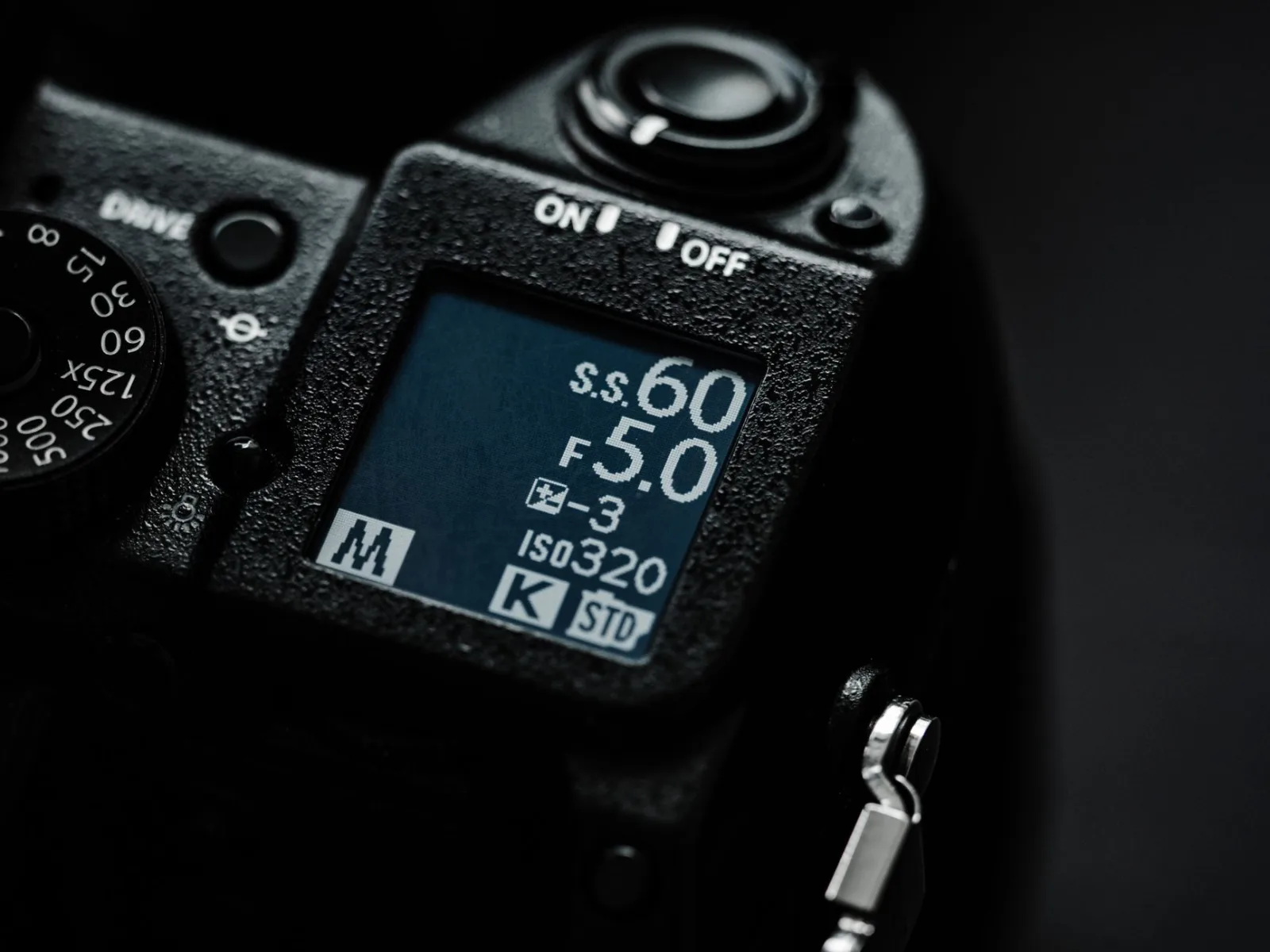
He opened the camera menu on his first day, saw numbers whose meaning he did not know, and chose the highest number on every line. It looked like a sound decision: the highest resolution, the highest frame rate, the least compression.
By the end of the day four cards were full. That evening the computer stuttered playing a single clip. That night the camera overheated and shut itself off twice. Then he published the video, and his friend published one shot on ordinary settings, and nobody could tell the two pictures apart.
The highest setting is not the best setting. The best setting is the one that serves your work and ends up on the screen it will be watched on.
Resolution: what you gain and what you pay
Resolution is the number of pixels in the image. More of them gives you more detail, and takes from you card space, computer speed and camera heat.
The decisive question is not "which resolution is prettier" but "do I need more pixels than will be published?" And the answer is yes in three cases only:
- Cropping and pushing in during the edit. If you want a close shot out of a wide one, or to fix a composition, you need margin.
- Stabilisation in software. Stabilising crops the edges of the frame, which costs resolution.
- A conversation on one camera. When two shots come out of one frame, the method described in How do you film a conversation between two people with one camera?.
Outside those cases, the publishing resolution is enough, and whoever films at it gains an easier day and a faster edit.
Frame rate: how movement looks, not how good it is
This is the most misunderstood number. Frame rate does not make the image prettier; it decides how movement looks. Lower rates give motion resembling what we see in cinema, and higher rates give very smooth motion that resembles a live broadcast.
A practical rule: fix your rate at twenty-five or thirty frames a second for all your normal work. Use fifty or sixty in one case only: when you want slow motion.
And choose between twenty-five and thirty by your country's mains frequency rather than by taste: in fifty hertz regions film at twenty-five to avoid flickering bands under artificial light, and in sixty hertz regions film at thirty. The mistake shows up in interior shots as bands rolling across the picture, and it cannot be fixed in the edit.
Shutter speed: double the frame rate
The third number is tied to the first two. Set the shutter at double the frame rate: filming at twenty-five, set fifty; filming at fifty, set a hundred.
The result is natural motion with the amount of blur the eye expects. A very high shutter speed gives stuttering motion, as though the scene were trembling. Anyone who needs to cut excess light should use a neutral density filter rather than raising the shutter, and the rest of how the three relate is in Camera Basics and the Exposure Triangle.
Slow motion
Slow motion is not a setting in the edit, it is a decision at the camera. Film at a higher rate than your project's, then drop the clip into a timeline at the project rate and it slows by the difference.
A practical rule: film the scene you want slowed at double the rate, not everything. Filming everything at a high rate burns through your cards and batteries for no reason, and it is one of the causes of running out of space described in Batteries and memory cards.
A decision table
| Kind of work | Resolution | Rate | Why |
|---|---|---|---|
| Talking to camera | Publishing resolution | 25 or 30 | No crop, no push in |
| A conversation on one camera | One step higher | 25 or 30 | Two shots out of one frame |
| Vlog and walking | One step higher | 25 or 30 | Margin for stabilisation |
| Action and sport | Publishing resolution | 50 or 60 | Slow motion |
| Short vertical clips | Vertical at publishing resolution, or cropped from horizontal | 25 or 30 | The phone is the screen |
| Documentary with subtitles and heavy editing | One step higher | 25 or 30 | Reframing and flexibility |
Three common mistakes
Confusing frame rate with bit rate. Frame rate concerns motion; bit rate concerns how much data there is per second, and it is what decides how clean the picture stays in complex scenes. If blocks appear in a night scene or in moving water, the problem is bit rate rather than resolution.
Filming everything at the highest setting "just in case." This doubles your editing and export time, raises camera temperature, and never shows up on the final screen. What the export decides is a separate matter, covered in Exporting your video: which settings do you upload with?
Different settings on two cameras in one project. This is the worst practical error: two clips at two rates in one timeline produce stuttering motion, and two clips in different colour profiles are hard to match, as in Colour correction in the edit. Set the camera, the phone and the drone to one rate before you leave.
Colour profiles: when you need one
Flat profiles that carry a wider colour range give you flexibility in grading, and they ask for work in the edit and knowledge of what you are doing. Do not film on one for work you want to publish the same day, and do not film on one before you have run the whole cycle from camera to export once.
For anyone filming on a phone or a mid-range camera, an ordinary profile in good light beats a flat profile in poor light.
The setting you fix once
Sit down once and write three lines on a page: my resolution, my rate, my shutter. Set the camera and the phone to them, and save them in the camera if it stores setting banks.
After that, do not open that menu without a reason: a slow scene, or a scene you intend to crop. A decision taken once stops stealing your attention every day, and attention is what you need for movement, framing and light, as in Camera Movement and Stillness: When to Move and Why.
And before any job that matters
Film one test minute on your settings, copy it to the computer, drop it into a timeline, export it, and watch it on your phone. Those ten minutes reveal that your rate is wrong, or that your computer cannot play the file, or that the lighting flickers. Whoever finds that out before filming saves a day. Whoever finds out afterwards loses one.