
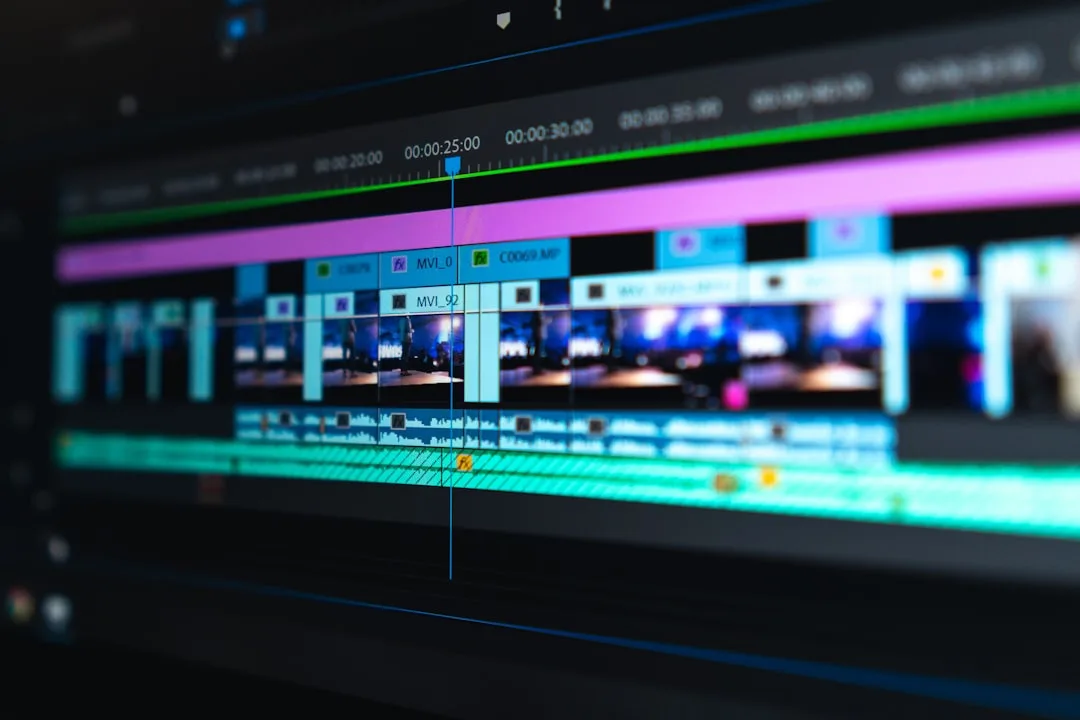
The Two Hours in the Wrong Place
You opened the editor with the footage from your first video in front of you.
You laid the clips onto the timeline, then started with what you assumed editing was: you opened the transitions menu.
You tried a fade. Then a slide. Then a spin. Then one with a flash. Then went back to the fade but with a slightly longer duration.
Then you moved on to colour. Raised the contrast, lowered it, tried a preset, deleted it.
Two hours later, you watched the video from the top.
And it was boring.
Because there were two full minutes of talking in it that added nothing, and you hadn't touched them. You'd been busy decorating something that needed cutting.
The Idea That Saves You Months
When you hear the word "editing" you picture effects, transitions and colour.
The truth is that ninety percent of good editing is one repeated decision: do I keep this or cut it?
A good video isn't one that had a lot added to it. It's one that had a lot removed.
The Three Stages, in Order
And don't mix them. Each stage needs a different mindset, and mixing them makes you polish something you'll delete, which is exactly what happened in the story.
Stage One: Delete the Bad
Go through the recording start to finish and delete.
Failed takes and lines you stumbled on. Long silences at the start, the end, and between sentences. Filler sounds. Repetition, meaning an idea you stated and then restated differently. And tangents you wandered into and never came back from.
And don't get involved in anything else at this stage. No music, no text, no colour.
Stage Two: Order What's Left
Now watch what remains and ask: is the order logical? Sometimes you discover that what you said third needs to come first.
Is there a section that's boring even though it's correct? Cut it.
Is the opening fast enough? Usually you'll cut the first ten seconds.
And a useful test: watch the video at double speed. The places where you feel bored even at double speed are the ones that need cutting.
Stage Three: Add Only Where Needed
Now, and not before, add what serves the video.
On-screen text clarifying a name or a figure. A cutaway showing what you're talking about. Light music if the silence feels heavy.
And the rule: every addition has to answer the question "what does this add?" If you can't answer, don't add it.
Exactly Where to Cut
A question that puzzles beginners, and it has practical answers.
Cut immediately after the meaning completes. Don't leave the speaker taking a long breath after the last word.
Cut on movement. If there's motion in the shot, cutting during it is smoother than cutting in stillness.
Don't cut mid-word. Obvious, but speed makes people do it.
And leave a frame or two of silence after a sentence ends. A cut pressed right up against it sounds truncated.
Transitions: The Fewer the Better
The default transition in every professional film and programme is the straight cut, meaning no transition at all.
Fades, spins and slides draw attention to themselves, and tell the viewer that what they're watching isn't professional.
Use a fade in two places only: the start and end of the video, or to indicate a long passage of time. Everywhere else, cut straight.
How Long Does Editing Take?
At the beginning it'll take you three or four times the final video's length. A ten-minute video might take you forty minutes or more.
That's normal and it shrinks with repetition. And what speeds up editing isn't the software or the machine, it's the quality of the filming. The more organised and clear your shooting, the less work in the edit.
Mistakes That Consume Your Time for Nothing
Hunting for the perfect effect. The time you spend trying twenty transitions would be better spent as two minutes cutting a boring section.
Colour correcting early. There's no point grading a scene you might delete.
Listening on phone speakers. Use headphones, because audio errors aren't audible on a small speaker.
And rewatching dozens of times. After the fourth pass you lose the ability to judge. Leave the video for an hour and come back.
What's Enough in Terms of Software
Any mobile editing app does everything described in this article: trimming, ordering, text, audio.
Don't buy software and don't learn a complicated tool before you hit a real limit in the one you have. And what you actually need is covered in: what do you actually need to start? and what you don't.
In Short
Delete first, order second, add last, if at all.
A beginner editor asks "what do I add?" An experienced one asks "what do I cut?" And the difference shows up in the video immediately.
And how to set the video's pace while writing is covered in: pacing and transitions in a long script: when to speed up and when to slow down.