
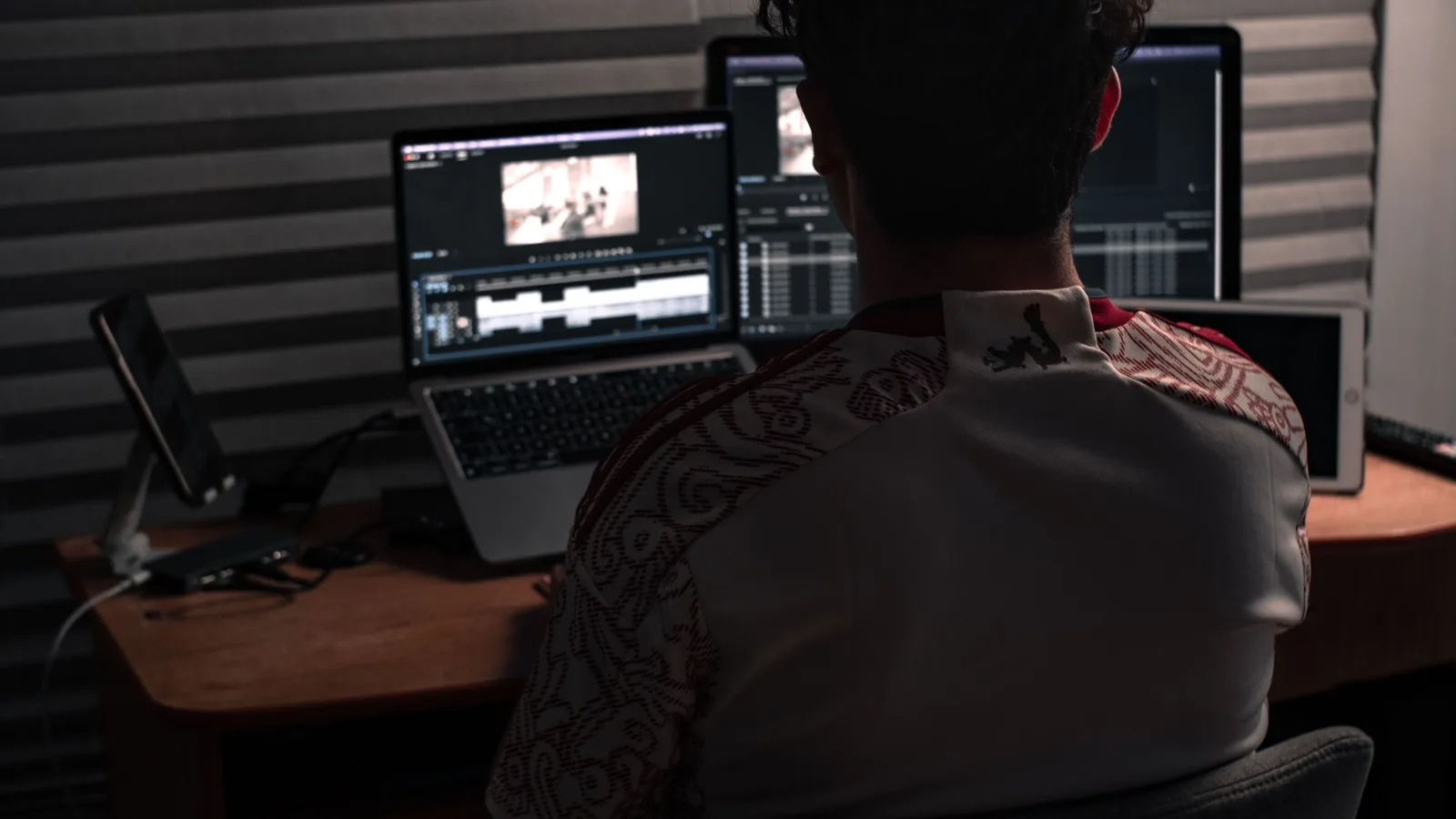
Playback in his editing software stalled on every scrub, so he decided the problem was the processor. He read comparisons for a week and spent his whole budget on a machine with a far faster one.
The machine arrived, he moved his project over, and opened it. The same stutter.
The cause was two things he had never looked at: memory too small for his material, and a slow external drive he was editing from directly. The fast processor was waiting for data that never arrived.
The order of importance nobody in a shop tells you
In editing, the order of what affects your daily work is this, from most to least:
1. Memory. The biggest cause of stuttering and sudden freezes. The software holds the material, the preview and the effects in memory, and once it fills it starts leaning on the drive, and everything slows.
2. The speed of the drive holding your material. The drive you read the material from matters more than the processor. Material on a fast internal drive works better than material on a slow external one, however excellent your processor.
3. The processor. It matters on export and on effects, and matters less in ordinary playback.
4. The graphics card. It speeds up some effects, colour work and export in some software. Somebody editing talking-to-camera videos with no effects does not need a powerful one.
5. The screen. It does not affect speed, and it affects your colour decisions. A calibrated mid-range screen is more use than an expensive uncalibrated one.
And most people complaining of slowness buy from number three while their fault is in one or two.
Memory: the practical rule
I will not name a figure that holds for every year, because the figures move with cameras and software. The practical rule instead of a number:
Open a real project of yours, run your system's resource monitor while you work, and look at memory use. If it is constantly full, that is the cause of your stuttering, and increasing it is the cheapest fix with the greatest effect.
And on most machines you can increase the memory on its own without buying a computer, which is the first thing to ask about before you think about a new one.
Drives: three, not one
The arrangement that works in editing:
- A fast internal drive for the system and the software.
- A fast drive for the project you are working on now, holding the material and the cache files.
- A large drive for the archive, which you do not edit from.
And do not edit from a memory card or from a drive on a slow connection. If you have only one external drive, move today's project onto the internal drive, work on it, then move it back.
And one rule you do not break: what exists in one copy does not exist. The backup system that protects you is set out in backups before you lose everything.
What is not worth your money
- A top-tier processor while you edit talking-to-camera videos. The difference shows in export by minutes, not in your daily work.
- A large graphics card if your editing is cuts and text.
- An expensive professional screen before you calibrate the one you have.
- A new machine before you have tried proxies and more memory.
- A control surface or extra hardware in your first year.
Before you buy: three free experiments
Do these three first, because many people discover they do not need a machine:
1. Proxies. Generate lower-resolution copies of your material and edit with them. That alone solves most stuttering on a mid-range machine, and how it fits into your project setup is in setting up an edit project: what do you do in the first ten minutes before you cut.
2. Clear the drive. A full drive slows the whole system. Always leave a reasonable amount of free space on the system drive.
3. Close what you do not need. A browser with twenty tabs and chat apps take from your memory what the edit needs.
And if those three solve your problem, you have saved a whole budget for things that genuinely raise the quality of your work.
When the computer really is the problem
Three clear signs:
- The stutter persists after you generated proxies.
- Export takes time that genuinely disrupts your schedule rather than merely annoying you.
- The software crashes or quits on its own regularly.
At those signs, look at memory and drives first, because a partial upgrade is far cheaper than a machine.
Laptop or desktop?
A laptop if you travel and edit on the move, or if your desk keeps changing. It costs more for the same performance and its upgrades are limited.
A desktop if you work in a fixed place. Cheaper for the same performance, its parts can be upgraded, and it lasts longer.
And the middle answer that works for many: a mid-range laptop for travel, writing and reviewing, and a desktop for heavy editing.
Buying used
A used machine with plenty of memory and a fast drive beats a new one at a similar price with small memory. And if you buy used, check three things: the drive's health, the machine's temperature under load, and the battery's condition if it is a laptop.
The screen: one point that genuinely matters
Do not spend on a screen before you do two things: calibrate it to sensible settings, and make it a rule to judge colour in a room with steady light rather than beside a window whose light changes.
Then afterwards, if your work depends on colour, the screen deserves an upgrade. And if your work is explaining and talking, the screen you have is enough.
In short
Buy for the problem you have rather than for the highest number in the specifications. Memory, then the drive, then the processor, and try proxies before any purchase. And three conditions to apply before any piece of gear enters your house are in how do you budget a video and decide what to buy and when.