
Ever published a video without a description?

The video has been ready for days, but the title isn't settled, the tags are somewhere, and the publish time slipped by while you were busy.

In Bardiyah

You prepare the publish details ahead of time, and a reminder reaches you when the date comes.

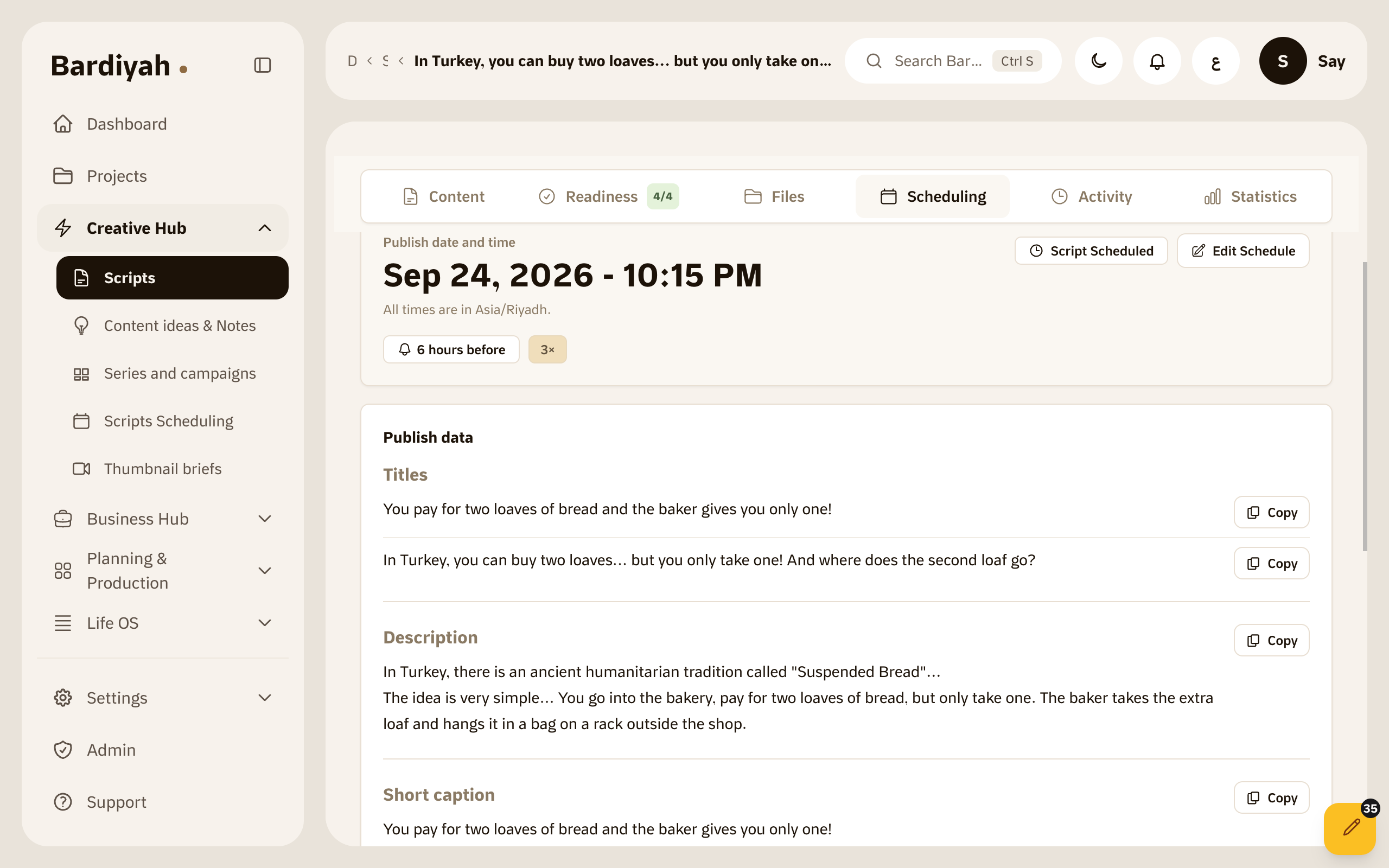
Scheduling a video with its title, description and tags

Publishing happens at the last minute

After weeks of writing, filming and editing, publishing feels like a small detail. You rush the description, pick a title in two minutes, and post whenever you're free, which isn't always when your audience is around.

A month later you wonder why one video worked and another didn't, and you have no answer, because you never wrote down what you learned from each one.
Get publishing ready before the date

You make the plan while you're calm and carry it out when the time comes.

  1. Pick the date and platform

    Choose when and where the video goes out, and write its title, description and tags for each platform while you still remember the details.

  2. Wait for the reminder

    As the date gets close you get a notification, with everything you prepared right there.

  3. Publish it yourself, then note what you learned

    You're the one who hits publish on the platform. Afterwards you write your notes on how the video did right next to it, and come back to them before the next one.

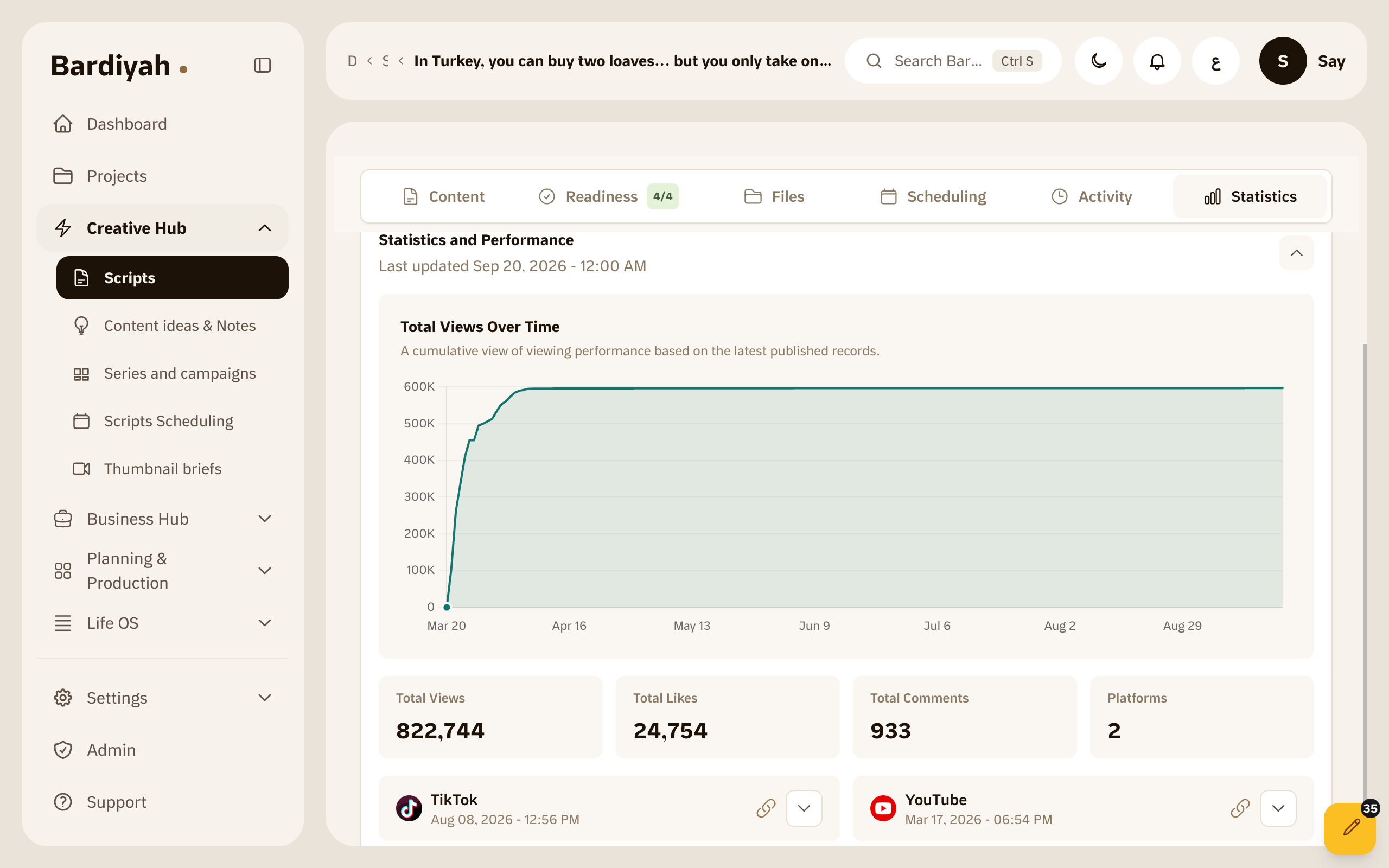
Performance notes saved next to a published video

Why your phone's calendar isn't enough

Your phone's calendar

It tells you the date, but it doesn't hold the title you chose, the description, or what you learned from the last video you posted on that same day.

In Bardiyah

The date is tied to the script. The first idea, the script, the publish details and your notes afterwards all sit in one place.

Performance records is available on the Creator plan and above. Compare all plans

What it includes

Date and platform

Set when and where each video goes out.

Publish details

Prepare the title, description and tags for each platform.

Thumbnail brief

Write the idea for the thumbnail before you make it, and keep it with the publish details.

Reminder

A notification reaches you before the date with everything you prepared.

Performance logs

Record a video's numbers after it goes out and compare them over time.

Tied to the script

Every date stays next to the script it came from.

Questions before you start

Does Bardiyah publish the video for me?

No. Bardiyah reminds you and keeps your text ready, and you publish on the platform yourself.

Which platforms can I schedule for?

You choose the platform for each date, such as YouTube, TikTok or Instagram.

How does the reminder reach me?

As a notification in Bardiyah, and on your phone if you have the app installed.

What are performance logs?

A place to record a video's numbers after it goes out, along with your notes, so you can compare your videos over time.

Your next video deserves a calm launch

Set its date now and let Bardiyah remind you.