
How many times have you spent an hour to get one minute of video?

You start the line with confidence, lose the next word, stop, and go back to the top.

In Bardiyah

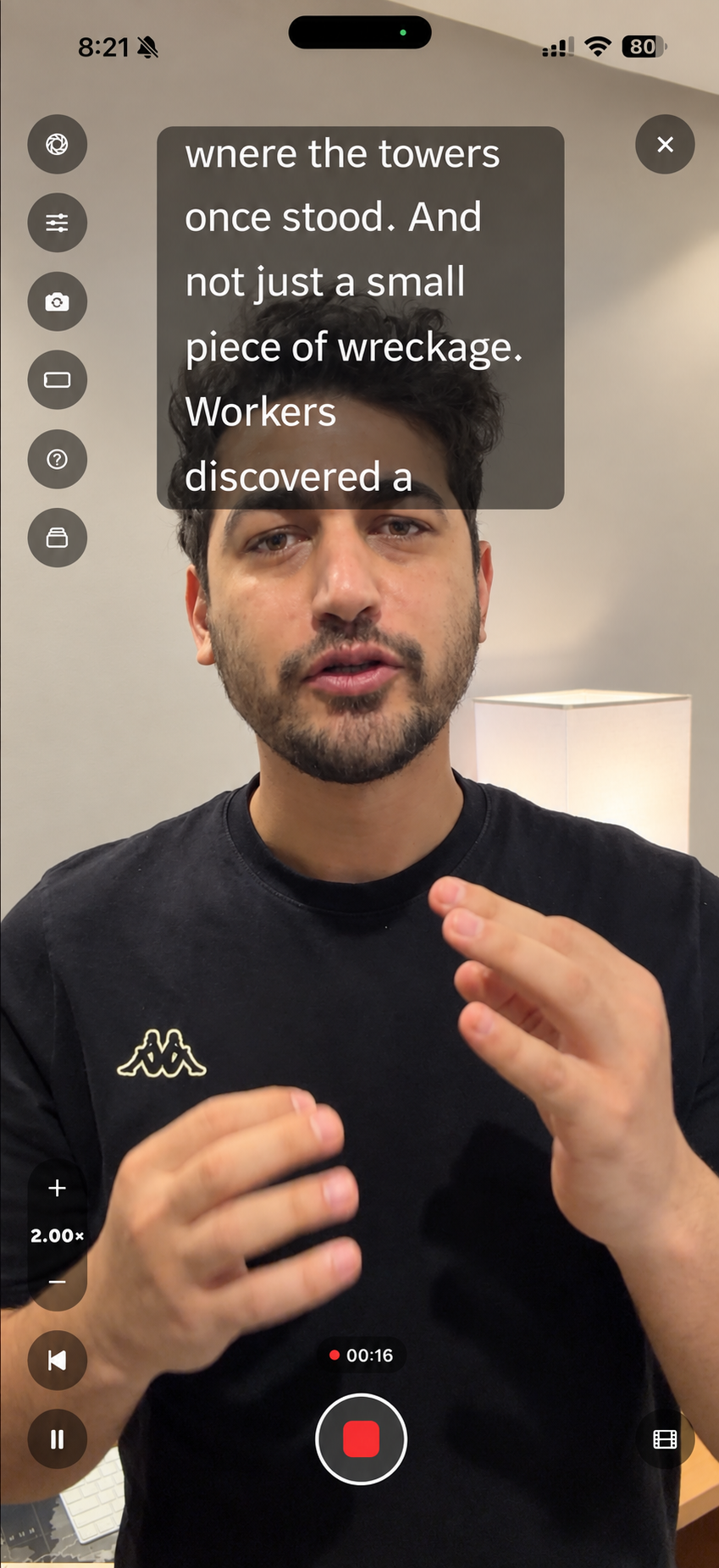
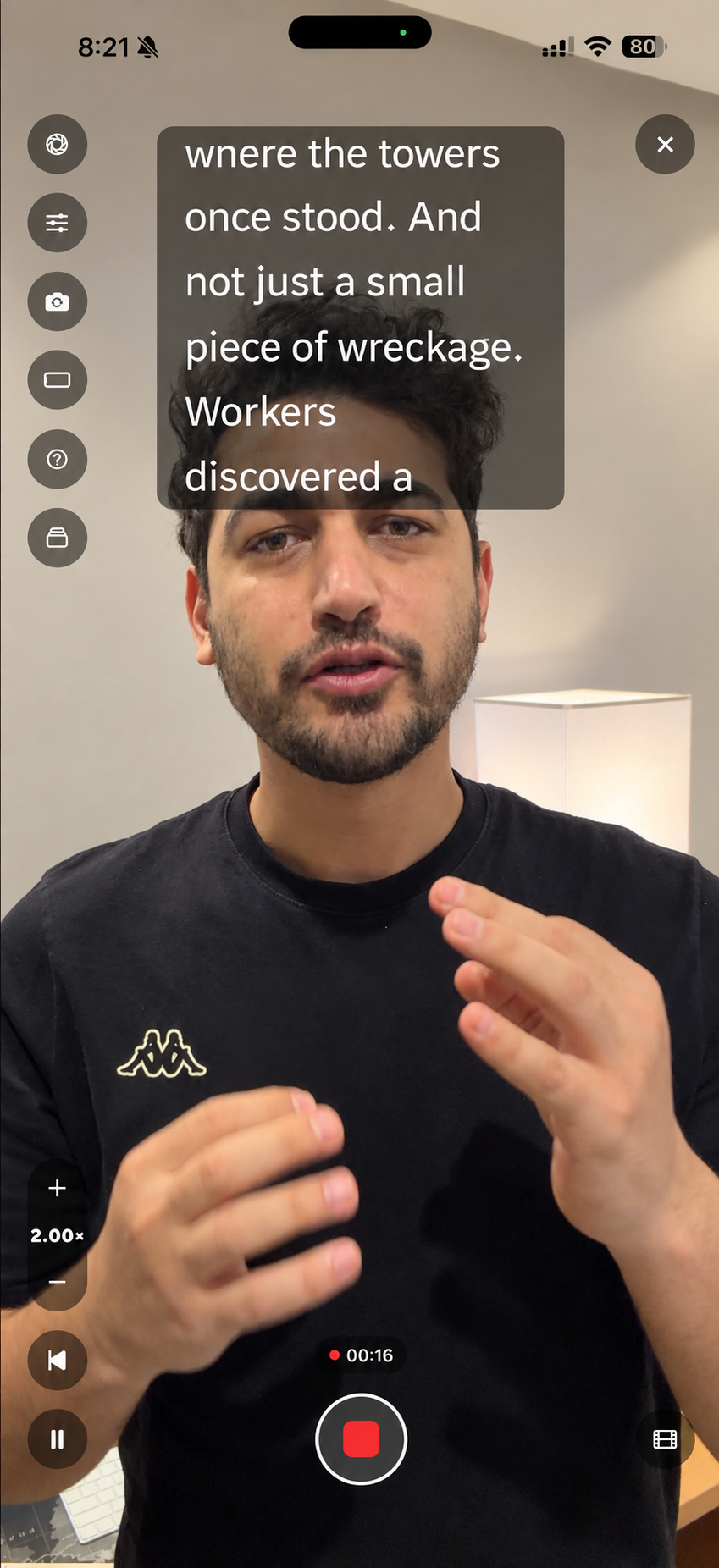
The teleprompter puts your script over the camera while you record, so you can read and still look into the lens.

A script scrolling over the camera view in the Bardiyah iPhone app

The camera isn't the problem

You wrote the script, learned it well, and stood in front of the camera. On the first take you forgot a line. On the second you said it in the wrong order. The third one was right, except your eyes drifted to the paper at the end.

An hour later you have twenty attempts, a tired voice, and less than a minute of usable video. Then in the edit you find that your best line is the one where you weren't looking at the lens.

Most creators know this day well. Memorizing drains you, and a sheet of paper next to the camera shows up in your eyes however hard you try.
What recording looks like now

The script you wrote in Bardiyah reaches your phone as it is, ready to read.

  1. Open the script in teleprompter mode

    In the Bardiyah iPhone app, pick your script and tap the teleprompter. You don't copy or paste anything into another app.

  2. Put the text under the lens

    Move the reading band until it sits right below the camera. In the video, you look like you're talking to the person watching.

  3. Record while you read

    The text moves at the speed that suits you while the camera records. When you finish, the take is saved with the script.

Adjusting the reading band and speed in the teleprompter

Why a sheet of paper next to the camera isn't enough

Paper and separate apps

Paper pulls your eyes away from the lens. Separate apps make you move the text into them every time, and when you change a line in the script you have to remember to change it there too.

In Bardiyah

There's one script. Edit it on your computer and the teleprompter on your phone already has the change, and after recording the take is saved with the script.

What it includes

Mirror mode

Works with mirror teleprompter rigs, flipping the text for the glass.

Text only mode

For a separate camera: put the phone near the lens and read from it.

Speed and text size

Set both so they match the way you speak.

Portrait and landscape

Each keeps its own settings, so you don't set up again when you turn the phone.

Takes

Every recording stays saved with its script.

Recording storage

Keep your recordings in your account, within your plan's space.

Questions before you start

Does the teleprompter work on Android?

The app is on iPhone only for now. You can write and prepare scripts in the browser on any device, but recording with the teleprompter needs an iPhone.

I shoot on a separate camera. Can I still use it?

Yes. There's a text only mode without the camera view, so you place your phone near your camera's lens and read from it.

I have a mirror teleprompter rig. Will it work?

Yes. Turn on mirror mode and the text flips so it reads correctly on the glass.

Can I record in landscape?

Yes. The teleprompter keeps separate reading settings for portrait and landscape, so you don't have to set the size and position again every time you turn the phone.

Record your next video looking into the lens

Open any script in the app and try it.