
Three Weeks, and Zero Videos
He started with a decision: I'm going to make a channel.
And opened a browser to find out what he needed.
He read about cameras for three days. Then about lenses. Then about the difference between two kinds of microphone. Then watched ten comparisons between two lights.
He opened a spreadsheet to compare prices.
He asked in a group and got five contradictory opinions, so he started researching again.
Three weeks later he knew the difference between everything and everything.
And he hadn't filmed a single second.
And for all three weeks he felt like he was working on his channel.
The Rule Before the List
Gear doesn't make good content. It raises the ceiling for someone who knows what they want to say, and gives nothing to someone who doesn't.
And the most dangerous thing about buying gear early isn't its price, it's that it gives you a false sense of progress.
What You Actually Need
A Phone
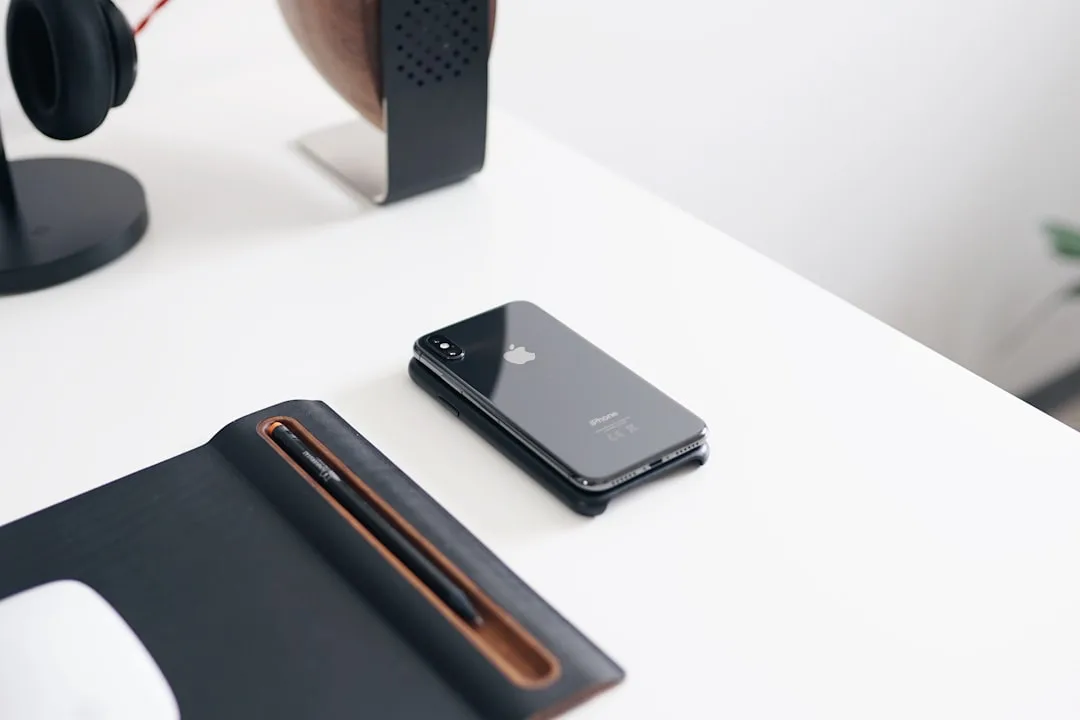
Any phone from the last five years shoots at a quality that's good enough to publish. The camera in your pocket right now is better than cameras films were shot on a few years ago.
A Window
Sit facing it. Daylight from a window is the best free light in existence, and softer than a lot of lights you'd pay for.
The only rule: the window in front of you, not behind you. A window behind you turns your face into a black silhouette.
A Quiet Room
Close the window if the street is noisy, and switch off the fan and the air conditioning while filming.
And a room with rugs, curtains and furniture beats a large empty one, because hard surfaces create echo.
Something to Rest the Phone On
A stack of books will do. What matters is not holding it in your hand, because a shaky shot ruins a video more than a weak camera does.
That list is complete. And if it's missing one thing, it's time rather than money.
What You Don't Need Yet
| The thing | Why postpone it |
|---|---|
| A camera | Your phone is enough until its limits are what's actually blocking you |
| Lighting | The window solves it in daylight |
| A microphone | Phone audio is acceptable in a quiet room with you close to it |
| A backdrop or set | A clean wall is enough |
| A powerful laptop | Editing on a phone is enough for your first videos |
| Paid editing software | Free apps do everything you need |
The Buying Order When You Genuinely Start
If you have a limited amount to spend, this order gives you the greatest effect for the smallest sum.
First: the microphone. The biggest leap in quality. A viewer tolerates a mediocre picture and won't tolerate bad audio. And how to choose is covered in: the best microphones for filming on a phone.
Second: a tripod. Cheap, high impact, and it frees your hands.
Third: a small light. Useful when filming at night or in a room with no window.
Fourth: the camera. Last on the list, and by the time you get there you'll know exactly why you need it.
And when do you buy each one? After its absence has blocked you on a video you actually filmed. Not before.
The Sign You're Postponing Rather Than Preparing
Ask yourself honestly: how many videos have I filmed so far?
If the answer is zero and you're comparing models, you're postponing, and buying won't change that. Which is the three weeks we opened with.
If you've filmed five and feel the audio is what's holding you back, now buying is the right call.
The difference between preparing and postponing is that preparing follows an experience that revealed a specific gap.
What Deserves Your Time Instead of Your Money
The things that improve your videos more than any purchase, all of them free.
Knowing what you're going to say before you open the camera.
Reading your words out loud before filming.
Cleaning your phone lens, because one fingerprint ruins the whole image.
Getting close to the mic if you're using one, because distance matters more than its price.
And publishing consistently instead of waiting for the perfect video.
In Short
Start with what's in your hand today. Your phone and your window are enough for at least your first ten videos.
And when something genuinely blocks you, you'll know it yourself and won't need anyone to tell you.
And what a phone can and can't do is covered in: can you create content with just a phone?