
He has three videos in flight: one he filmed last week and has not cut, one whose script he wrote and has not filmed, and one he published while thinking its thumbnail is weak and wanting to change it.
He sat at the laptop at eight in the evening. And spent twenty minutes thinking: do I start with the edit? Or film while tired? Or do the thumbnail first?
Then he opened analytics, followed an account, and at ten he closed the laptop having done nothing.
The problem is neither time nor enthusiasm. The problem is that he cannot see the state of his projects, so he is forced to take the decision afresh every evening. And a repeated decision eats the energy that was meant for the work.
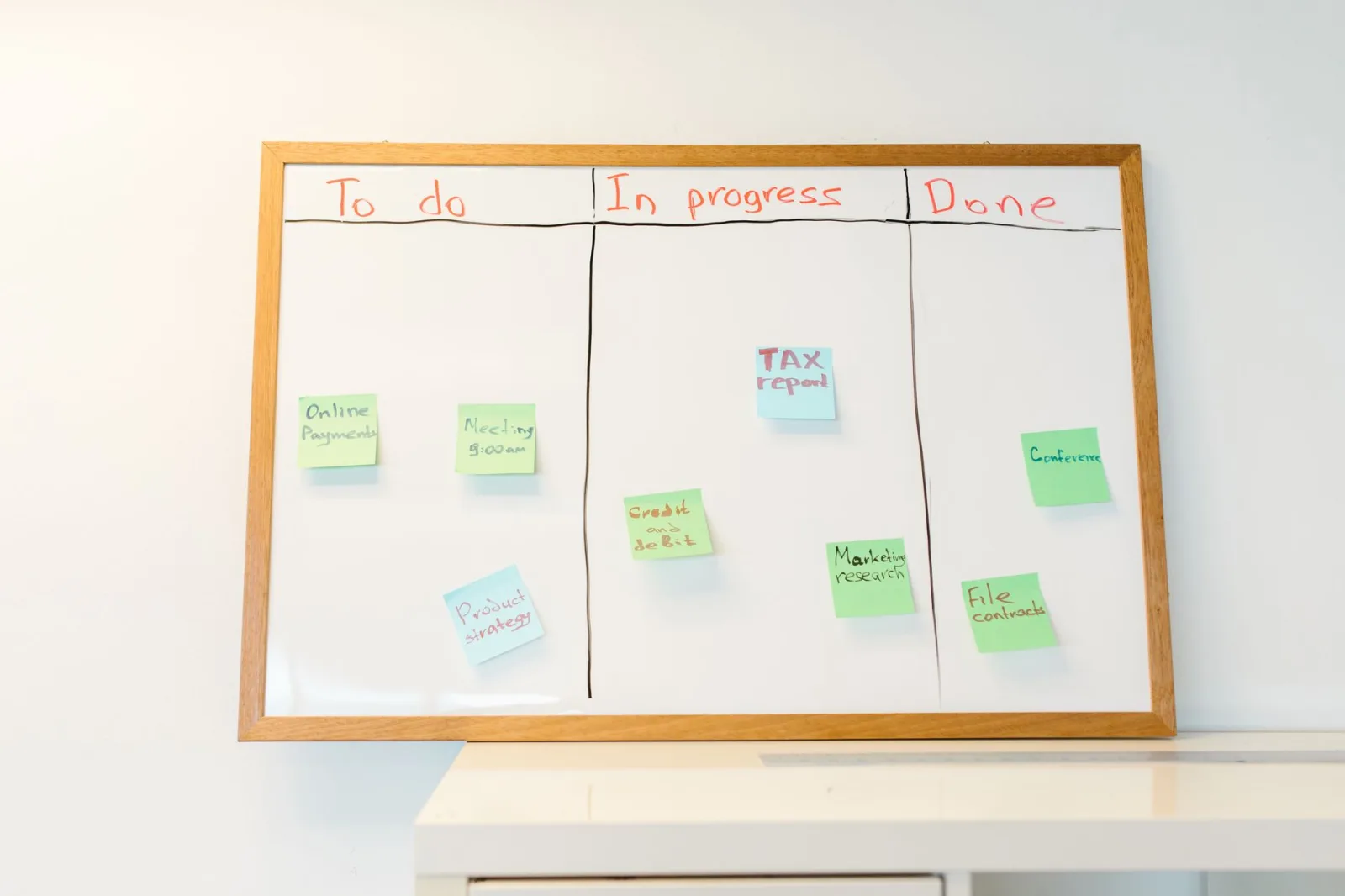
The board: six stages and one card per video
Draw six columns, and give every video one card that moves from left to right:
| The stage | What it means |
|---|---|
| Idea | Accepted and specific, not yet written |
| Script | Being written or revised |
| Filming | Ready to film, or missing shots |
| Editing | Material complete and the work is in the software |
| Ready to publish | Exported, waiting on a cover or a date |
| Published | Done, and kept for review and updating |
The card has five lines at most: the video's title, its stage, its next action, its deadline if it has one, and where its files live.
Three rules that make the board work
1. A limit on what is in progress. Three videos between the script and editing stages, no more. A fourth idea waits in the ideas column, however good it is. Every open project takes from your attention even when you are not working on it.
2. One next action, written as a verb. Do not write "editing"; write "cut the interview down to seven minutes". The card with a vague next step is the card that never moves.
3. A "blocked" marker with its reason. "Waiting on the workshop owner's reply", "waiting on clear weather". Being blocked is not a failing; the failing is staying blocked without knowing it.
The finish-before-you-start rule
The most important rule on the whole board: whatever is near the end comes before whatever has just begun.
A video in editing outranks a new idea, and a video ready to publish outranks one in editing. This reverses what most people do: they open the new thing because it is fun, and leave the old one because it has turned into work.
Three weeks of that rule and you have published videos instead of four half-finished projects.
A quarter of an hour a week
Pick a fixed day, and do four things in fifteen minutes:
- Move the cards to their real stages, not the ones you wish they were at.
- Write a next action for every card in progress.
- Choose one video to finish this week, and mark it.
- Look at anything blocked: does it need a message you can send now?
That session is what ties the board to your week. Distributing the hours themselves between writing, filming and editing is in A creator's working week.
Its relation to the calendar and the idea stock
The board is not a calendar. A calendar says when you publish; the board says where everything has reached. Both are needed: anyone with a calendar and no board gets surprised on publishing day by a video still in the edit, and the calendar's detail is in A publishing calendar that holds.
The idea stock sits outside the board. An idea does not enter the first column until it has been filtered, and the filtering method is in From twenty ideas to the next one: how do you rank your ideas by priority?.
Where to keep it
On the wall with sticky notes, a table in a notes app, a spreadsheet, or a card tool. All of them work.
The single condition: that you see it without opening anything. A board needing a login and three clicks gets abandoned within a fortnight. A sheet of paper on the wall in front of your desk beats any tool you do not open.
And do not build a board with twelve stages and ten fields. Complexity here is not organisation but another way of postponing.
And if you work with somebody else
Add one field: who owns the next action. What stalls most in shared work is not the task but each person assuming the ball is with the other.
For stages that leave your hands, such as editing with an editor, write the expected delivery date on the card and check it in the weekly session.
Signs the board is working
- You know within ten seconds what to do tonight.
- No project dies halfway without you noticing.
- You stop retaking the same decision every evening.
- And the number of things you publish rises without your hours rising.
In your monthly review, look at the board rather than the numbers alone: at which stage do the cards pile up? If it is always editing, the problem is in how you work there rather than in your enthusiasm, and the review method is in The Monthly Channel Review: Thirty Minutes That Keep You on Track.
And if the board is empty right now
That is a different case with its own plan: starting with the easiest video rather than the strongest, arranged in Coming back after a break.
In short
Half an hour to draw the board once, and a quarter of an hour a week to move it. What you gain is not extra time, but that the time you have goes into the work rather than into deciding where to start.