
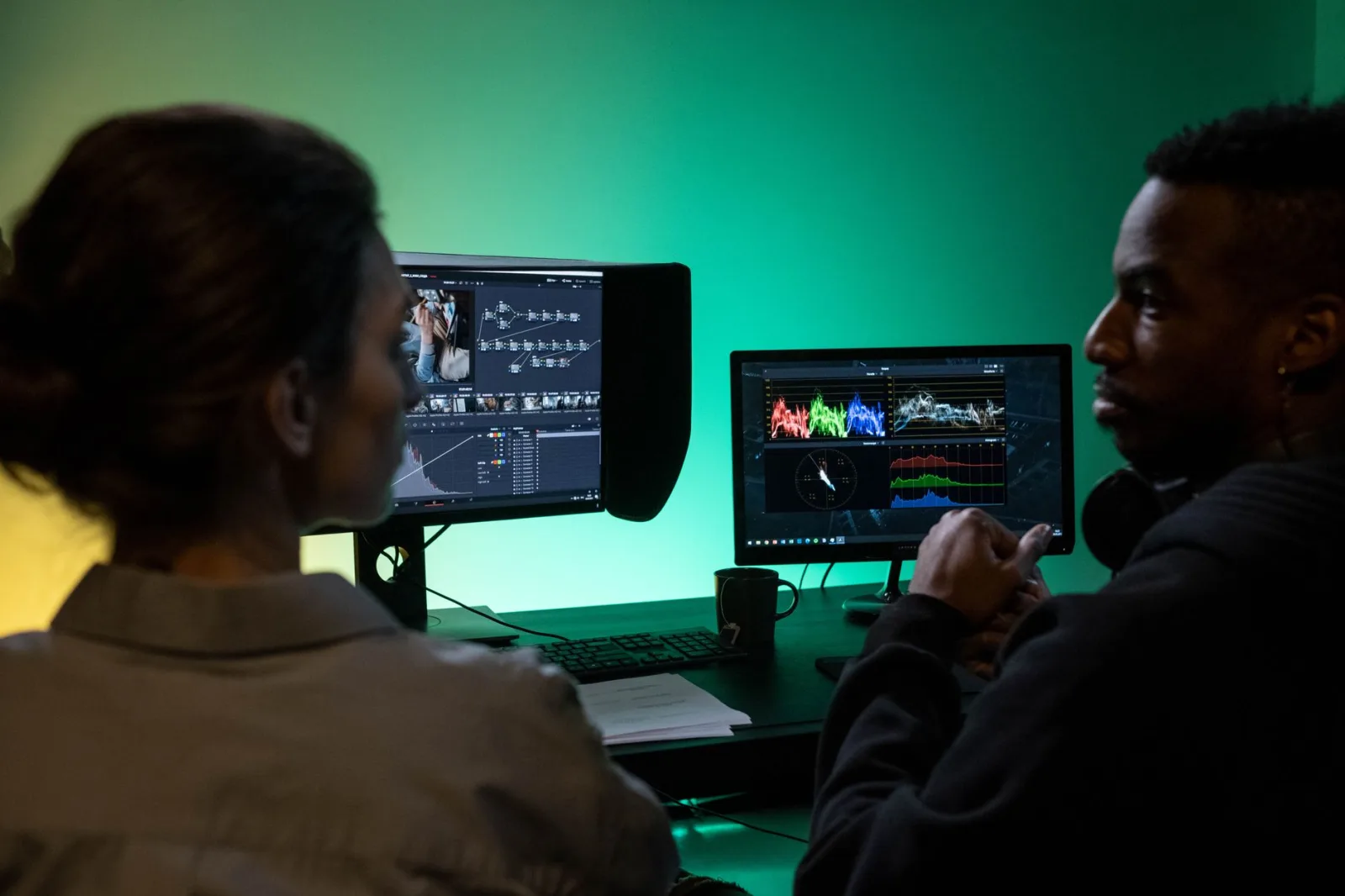
He decided to save himself some time and brought in an editor. He transferred a folder of three hundred files with the names straight off the camera, and wrote one message: "make something beautiful, I trust your taste."
The first cut came back a week later. It was not bad, but it was not the video in his head: the opening he loved had been cut, the music was loud, and the shot of the man he had travelled to meet appeared for four seconds.
So he sent notes. Then notes on the notes. By the fifth round, the time he had spent reviewing was longer than the whole shoot, the editor had lost his enthusiasm, and the video was two weeks late.
The problem was not the editor's skill. The problem was that he received files, and never received a film that existed in somebody's head.
Revision rounds are the price of an incomplete handover
Every round of revisions is a question you did not answer before handing over. "The music is loud" means you never specified the music. "The opening isn't what I wanted" means you never gave a map.
An editor is not a mind reader. They execute what they understood, and what they understood is what you gave them.
The handover package: seven things
Make it a fixed checklist you repeat with every video:
1. A map of the video. The script if you have one, or a page with: the video's question, the order of its sections, where the strong moment sits, and how it ends. One page is enough.
2. A tidy folder with readable names. Not "C0012.MP4" but "interview-man-1", "market-shots", "voiceover". That starts with how you name things while filming, which we covered in how to organise your footage files and never lose a shot.
3. A list of the important moments with timecodes. The most useful page in the whole package: "interview-1 at 04:12, the line that has to be in the video", "market-shots at 01:30, the child laughing". Ten lines save the editor a day of watching, and protect the moments you travelled for.
4. One visual reference. A single video where you say exactly what you want from it.
5. The assets: music (or its licensed source), fonts, logo, and the look of on-screen text.
6. The specs: the length you want, the platform, the aspect ratio, and whether you need a vertical cut.
7. The agreement: deadline, fee, and the number of revision rounds.
The visual reference: three sentences that save a week
Do not say "I want something cinematic". That word means something different to every person.
Send one video and say three sentences:
"What I like in this video: the slow cutting in the quiet scenes, the music kept very low under the speech, and the simple text at the bottom of the frame."
"What I do not want from it: the sound effect on every cut."
"And the video I do not want it to resemble is this one, because its rhythm is far too fast."
Those three sentences do what ten messages of abstract description never will.
Write your notes by timecode
The biggest cause of rounds that never end is the general note: "the video feels heavy", "something's missing", "I didn't like it".
An actionable note has three parts: timecode + what is wrong + what instead:
- "02:14 → the shot runs long, cut it after two seconds."
- "04:30 → the music is covering his voice, bring it down."
- "07:50 → this shot repeats, use market-shots at 01:30 instead."
Gather all your notes into one message ordered by timecode, rather than sending them piecemeal every time you open the cut. Piecemeal messages are what turn one round into three.
And rank them: what must change, what I would prefer to change, and what is a note for the next video rather than this one.
Two rounds, not five
Put it in the agreement from the start: two revision rounds inside the fee, anything beyond that is charged.
That sentence changes both sides' behaviour: you will collect your notes seriously instead of firing them off as they occur to you, and the editor will understand that the work has an end.
And make the first round a review of a rough cut rather than a finished video: shot order and rhythm only, with no music, text or colour. Reviewing the order before the polish saves hours of rework, because there is no sense in grading a shot that is about to be deleted.
A first collaboration: a small paid test
Do not hand your first travel project to an editor you have never worked with. Start with a small paid job (a short clip, or a segment of an old video) and watch three things: do they respect the deadline, do they understand a note the first time, and do they ask questions before starting. The one who asks questions before starting is the one worth working with.
What must be clear before the first file moves
The original files stay with you. Give a copy, never the only drive.
The project file is yours. Ask at the end for the edit project itself, not only the exported video, so you can change something in a year or hand it to a different editor.
Music and assets licensed in your name. Do not rely on whatever tracks they "have".
Is final audio their job or yours? Decide it, because it is the most forgotten point and then the most argued over. Your acceptance standards are in audio levels in the finished video.
And once more than one person is involved (an editor, a designer, an assistant), organising becomes a wider subject, covered in how to organise a small team around one channel.
Half an hour before you send
Before you hit send on that project folder, sit down for half an hour and do this:
Scrub through your footage and write ten lines: the moments with their timecodes. Then write the one-page map. Then attach the visual reference with three sentences. Then put the length, the platform and the number of rounds in one message.
Half an hour from you saves a week of rounds, and saves the editor from guessing what is in your head. Most collaborations that fail did not fail on skill; they failed because nobody wrote the film down before handing it over.