
The Voice That Came Out of You and Wasn't Yours
Imagine you've been editing until past midnight. The scenes are in order, the music sits where it should, and one thing is missing: two lines explaining what the camera didn't catch.
You open the software, hit record, and read the two lines.
Then you play them back, and something strange happens. The voice that came out isn't yours. It belongs to another man, reading a news bulletin on a state channel, pitched high and flat and perfectly even from the first word to the last.
You record it again five times, and the same man shows up every time.
This isn't a problem with your voice, or your mic, or your room. It's a problem everyone who has ever recorded narration runs into, and it has one cause and one cure. We'll get to both, but first the room has to be sorted.
Do You Even Need Narration?
Before you set anything up, ask yourself whether this video needs a voiceover at all.
You need one when what you want to say is more than what appears in the frame. Explanation over footage, storytelling over travel shots, a bridge between two scenes with nothing filmed in between.
You need one when you finish shooting and realise the story is missing a sentence you never said out loud on location.
You don't need one when you're on camera talking. There, your voice is part of the scene itself, and laying narration over it makes the video speak in two voices at once.
The Setup: Four Things, None of Them Expensive
First, a quiet room with furniture in it. A clothes closet, a furnished bedroom, or a blanket hung behind you on a rail. This matters more than everything that follows, because the room goes into the recording and never comes back out.
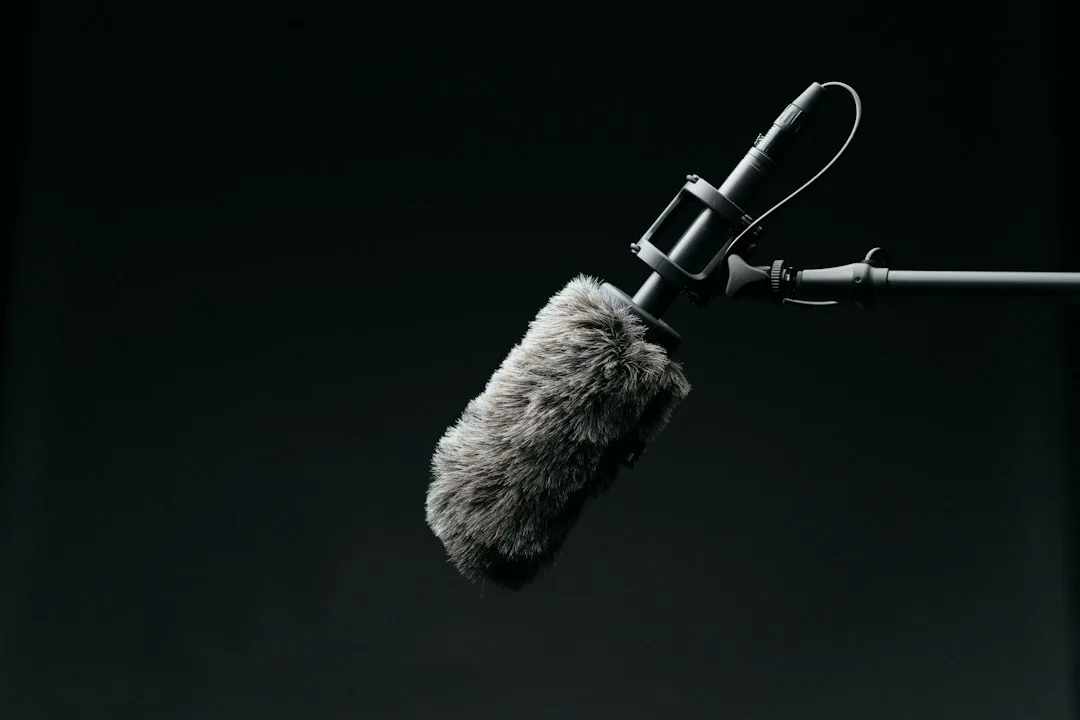
Second, a mic kept close. One fist from your mouth, and off to the side at an angle rather than straight in front. The air that bursts out with your plosives hits the mic and creates a pop that can't be repaired later.
Third, the script at eye level. Not on the floor, not in your hand down by your chest. Looking down compresses your throat and changes your voice without you noticing.
Fourth, a glass of room-temperature water. Cold water tightens the throat and narrows your sound.
Before You Press Record
Read the whole script out loud once.
The point isn't just warming up. The bigger payoff is that you'll find the sentences you stumble over, and a stumble is a sign the line was written to be read with the eye rather than spoken with the tongue. Fix it now, while you're relaxed, not halfway through a take.
Ten minutes before that, talk normally with anyone about anything. Your voice in the first two minutes of any session is different from the rest of it, and that difference shows up in the edit and makes the opening of your video sound off.
Then switch off everything that makes a sound. The air conditioning, the fan, the washing machine, the fridge if you can hear it from where you sit, and your phone.
While You're Recording
Record one continuous take. Don't stop and restart at every mistake.
When you do fumble a line, do this: go silent for two seconds, clap once, then take the sentence again from the top. The clap shows up in the waveform as a tall obvious spike, so you find it with your eyes in a second instead of hunting with your ears through twenty minutes of speech.
And read slower than you think you should. You know what the next sentence is, the viewer doesn't. What feels slow while you're reading arrives at natural speed for them.
Stop properly at full stops. Silence in narration isn't a gap to be filled. It's what gives the viewer time to actually look at the picture you worked so hard to shoot.
And Now, the Man Reading the News
Back to the story we opened with.
The moment you start recording, your voice changes without your permission. It rises a little, turns more formal, and levels out until it's flat.
The reason is that you're speaking to a microphone, and a microphone doesn't answer. When you talk to a person, their face and their eyes and the tilt of their head shape your delivery without you thinking about it. You speed up when they look interested, you slow down when you see they didn't follow. The mic does none of that, so you lose everything that was steering you.
And the cure is almost comically simple: picture one specific person you know, and read to them.
Here's a method that works every time. Put a photo of someone on the screen in front of you, or open a call with a friend and ask them to listen without speaking, then record. You'll hear the delivery change from the very first sentence.
Making Narration Match Your Location Audio
This is the problem people discover late, after the whole voiceover is already recorded.
Your voice in the narration is clean, close and calm. Your voice in the footage was captured somewhere else, with another mic, in other conditions. The jump between them is audible and obvious, as if the video is hopping between two worlds.
Three things shrink that gap.
Record the narration with the same mic you filmed with, if that's possible at all.
Keep the narration level closer to the level of the audio in your footage, rather than far above it the way most people leave it.
And run room tone underneath the narration. The same minute you recorded on location before you left. This is the best trick in the whole subject, because it makes the narration sound as though it was recorded out there, on that street, in that moment.
After Recording, Three Steps and No More
Cut out the mistakes, using the claps to find them.
Even out the level so the voice doesn't rise and fall between sentences.
Then remove any hiss that's left, using as little as you can get away with. Overdo this step and your voice turns metallic, like you're speaking from underwater.
Add nothing else. Good narration is a clear, close voice, not a voice run through ten plugins.
In Short
A furnished room, a mic at an angle a fist away, a script at eye level, and a full read-through before you record.
Then the one thing that actually makes the difference: talk to a person, not to a microphone.
That's the difference a viewer hears and feels, without ever knowing what to call it.