
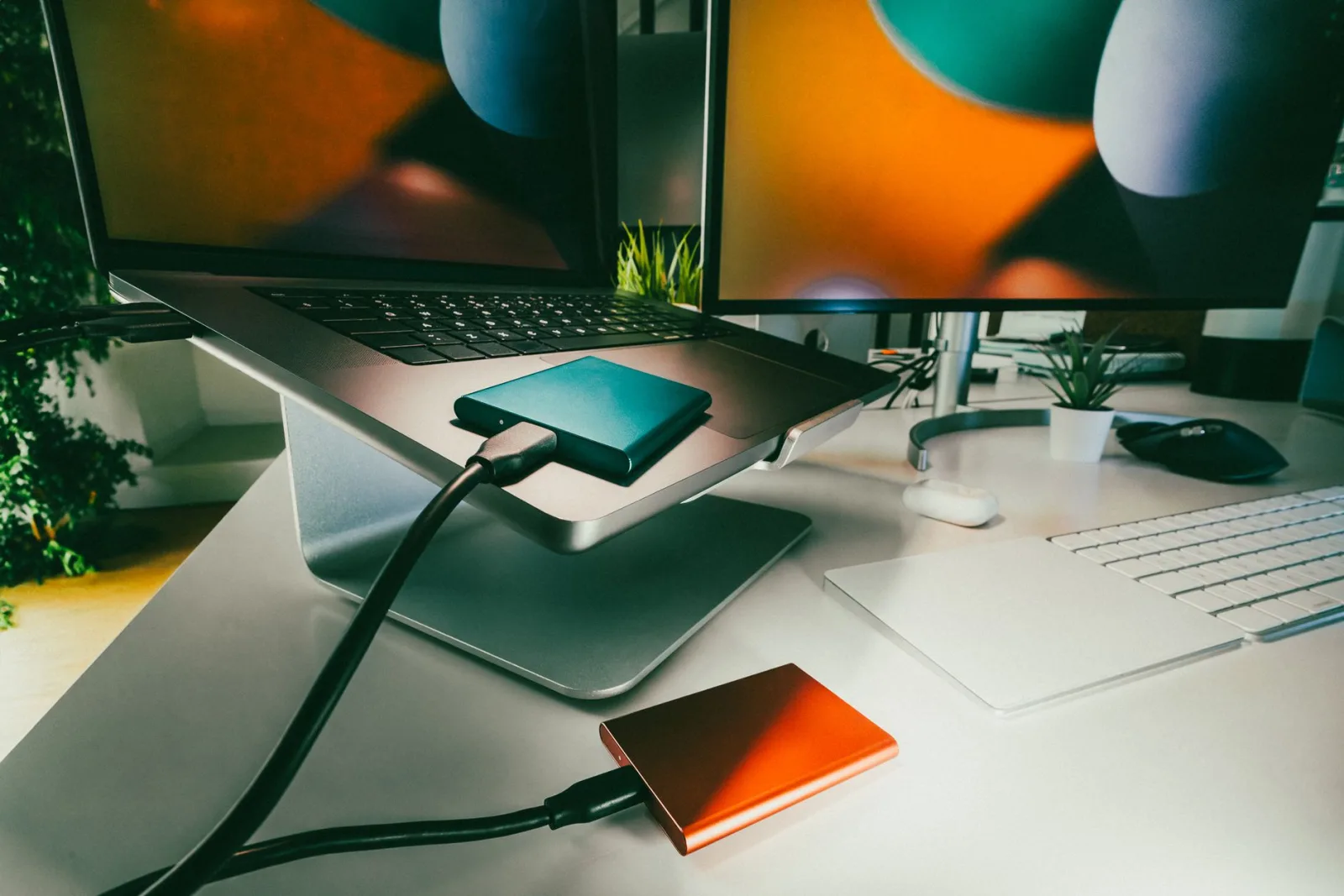
He was halfway through an edit, at one in the morning, when the message appeared: not enough space.
So he started deleting. He deleted a folder called "old project", then one called "footage 2", then one called "copy" that he assumed was a copy of something else.
In the morning he discovered that "copy" was the original, and that what he had taken for the original was an empty folder left behind by a transfer that never finished.
The problem was not that the drive filled up. The problem was that one drive was doing three jobs at once, and that the deleting happened at one in the morning instead of as a decision made with a clear head.
Three roles for your drives, not one
This is the most important arrangement in the whole subject, and it needs clear roles rather than many drives:
The working drive. Fast, small, holding only the current project. You film to it and edit from it, and you empty it when the project ends. Fast drives cost more, so do not buy a large one.
The archive drive. Large, slow and cheap, holding everything finished. You do not work from it directly; you copy back to the working drive if you need something.
The backup. Somewhere else, and not permanently connected to your machine. It is never touched and never worked from, and its existence is what makes deleting safe. The rules of backup and how many copies you need are in backing up your footage before you lose everything.
The common mistake is having two drives doing the same job: both holding a mixture of old and current projects, with no way to tell which is newer.
Do not work on a full drive
Always leave part of the working drive empty, and a fifth is a reasonable rule. Three reasons:
Editing software writes large temporary files while you work. Drives slow down as they fill. And most important: a full drive makes you delete under pressure, and that is the moment files get lost.
Closing a project: six steps
Make it a habit you perform on the day you publish, not a month later:
1. Export two versions. One for publishing, and a high-quality one for the archive. The high-quality one is what you will use if you want to cut a short from it or repost it years later.
2. Keep the project file and the assets. The edit project itself, the text, logo and music files used, and the subtitle file. Whoever keeps only the exported video cannot change one word a year later.
3. Choose which footage to keep. The most important decision in the whole process, and we come to it shortly.
4. Move the project to the archive under one readable name. The date then the project name, such as "2026-09 copper workshop". Putting the date first makes the folders sort themselves.
5. Verify before deleting. Open the moved folder, play two files at random, and compare the folder size in both locations. Three minutes prevent exactly what happened in the story above.
6. Empty the working drive. It is now ready for the next project.
All of this is easier if your naming was tidy from the shoot, which we set out in how to organise your footage files and never lose a shot.
What is always kept and always deleted
| Keep | Delete |
|---|---|
| The final version, and a high-quality export | Intermediate exports (v1, v2, v3) |
| The project file and the asset files | Cache and preview files |
| Full interviews, uncut | Shaky and out-of-focus shots |
| Shots holding a moment that will not recur | Failed takes of lines you later got right |
| Room tone and the original voiceover | Files duplicated between folders |
| General shots of the place (useful in future videos) | Temporary screen recordings and test files |
Why keep footage you never used?
Three real reasons; anything beyond them is attachment rather than need:
The moment that will not recur. A man who may have passed away, a place that changed, an event that happened once. Keep these even unused.
General shots of a place. The market, the street, the sky. You will want them in another video a year from now, and they are the cheapest thing you keep and the most reused.
Full interviews. Because you know what you used from them, and you do not know what you will need from the rest.
Beyond that: a shot you rejected today will not become good in two years.
The biggest waste of space: intermediate files
Before deleting a single shot, open your editing software's folders and look for cache, preview and intermediate files. The software makes these to work faster, their size in one project can equal the footage itself, and the software rebuilds them if it needs them.
Keep them in one folder on the working drive rather than scattered among the footage, so you can clear them in one action. Most software lets you set their location in its preferences.
Drives die, and there are two signs
A mechanical drive makes an unfamiliar noise, or slows down copying a large file, or disappears and reappears. A modern solid-state drive works silently and then stops with no warning at all.
So do not rely on warning signs; rely on age. Treat any drive past three or four years as being about to go, and keep the archive as two copies on two different drives in two different places.
Half an hour every six months
Open your drives twice a year and do four things:
Read the folder names and fix any you do not understand. Delete leftover cache files. Verify the archive copy actually exists by opening an old folder at random. And write a note: what is on each drive, and when you bought it.
That same review is a chance to decide about your old published videos: what stays and what gets unlisted, a decision we went through in your weak old videos: delete, unlist, or leave?
Before you buy a bigger drive
A bigger drive postpones the problem rather than solving it, because the habit is the problem: anyone who never closes projects will fill any drive.
So close three old projects with the six steps above and see how much space comes back. In most cases you will find you do not need a new drive; you need half a day of tidying.