
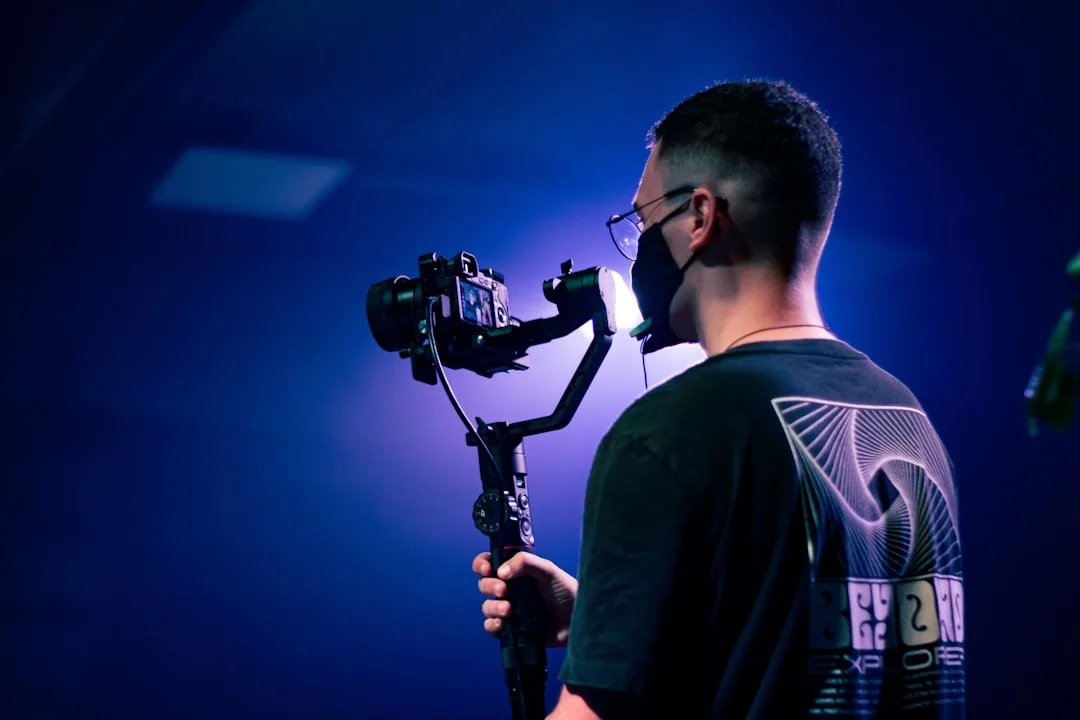
The Video the Eye Can't Rest In
The gimbal arrived and he tried it at home first. Smooth motion, a beautiful glide, a feeling that the image had turned cinematic.
On his next trip he never put it down.
He filmed the market while walking. He filmed the restaurant while circling the table. He filmed the sea with one long gliding move. Even the person he interviewed, he filmed while drifting slowly around them.
Then he opened the footage in the edit.
Every shot was lovely on its own. Strung together, the video was exhausting: the image never settles for a moment, and the eye hunts for a place to rest and doesn't find one. It looked more like a real-estate advert than a film.
So he went back through the footage looking for one still shot to open with. There wasn't one.
The Vocabulary First
Pan: the camera rotates horizontally on its axis while staying in place, like turning your head left and right.
Tilt: the camera rotates vertically on its axis, like raising or lowering your head.
Tracking or dolly: the camera itself travels through space, forward, backward, or alongside the subject.
Crane or jib: the camera travels vertically, up or down.
Handheld: a camera in your hands with no stabiliser, carrying natural shake.
Gimbal: a stabiliser that cancels the shake so movement appears to glide.
The Key Distinction: Zoom Is Not Tracking
Plenty of people confuse these. A zoom magnifies the image optically without the camera moving, so the relationship between foreground and background stays identical. Tracking actually moves the camera, so the viewing angles change and the background slides relative to the foreground.
The result is that tracking gives a sense of depth and of entering the scene, while zoom gives a sense of watching from a distance. And a slow zoom during filming is an amateur marker in most cases, because the eye never sees that way.
The Governing Rule: Motivated Movement
Before any move, ask: what does it add? There are three legitimate answers.
Following: the subject moves and you move with it to keep it in frame.
Revealing: you start on one thing and uncover something that wasn't visible. This is among the strongest moves because it carries information.
Changing the relationship: a slow push in raises tension or intimacy, a pull back creates distance or isolation.
And if you can't find an answer among those three, still is better.
Had our friend applied that question to his shots, he'd have found most of them answered nothing. He was moving because the device was in his hand.
Why Stillness Is Stronger Than You Think
Beginners assume movement makes a video look professional, and the truth is usually the opposite. A well-composed still shot lets the viewer read the image, while continuous movement stops them settling on anything.
Look at any good documentary: most of its shots are still, the moves are few and deliberate, and that's exactly why they land when they come.
The practical rule for a beginner: make eighty percent of your shots still. You'll find the video immediately calmer and easier to watch.
Start Still, End Still
This is the most practical piece of advice in this article: when filming any move, record two still seconds before the move starts and two still seconds after it ends.
The reason is that the editor, who may well be you, needs a clean cut point. A shot that begins with the camera already in motion can't be joined smoothly to what precedes it, and you'll be forced to use it whole or throw it away.
Shake: When It's Acceptable
Shake isn't always a mistake. Handheld in a tense or chase scene serves the feeling. But in a calm interview or a landscape shot it reads as carelessness.
The rule: if the shake serves the emotion, leave it; if it's happening because you couldn't find something to rest on, it's a problem.
And you can reduce shake without gear:
- Hold the camera with both hands and pin your elbows to your body.
- Lean on a wall or a post, or set the camera on a steady surface.
- Walk with short steps and slightly bent knees, not a normal stride.
- Hold your breath during short still shots.
The Speed of the Move
Slow beats fast in most cases, and the thing that ruins a pan most often is excess speed producing a stutter in the image.
The rule: if the movement draws attention to itself, it's too fast. A good move isn't noticed by the viewer, what they notice is what it revealed.
Choose the Move at the Writing Stage
Decide the movement in your shot list before you go out, not on location. On location the decision leans toward movement because it feels fun while filming, and on paper the decision asks about function.
Write in your shot list: "still", or "slow pan from the left revealing the mountain", or "tracking behind the person". Building the list in detail is covered in: from script to shot list: how to bridge writing and filming.
A Gimbal Is a Tool for Moments, Not a Default Setting
This is the summary of what happened to our friend at the top of the article.
Use the gimbal when you need one specific gliding move, and put the camera on a tripod for everything else. A video that moves in every shot loses the value of movement itself, because what repeats constantly stops meaning anything.
The Exercise
Film the same scene twice: once still, once with a slow pan. Then watch both and decide which you actually need.
Repeat this on ten scenes, and you'll find you chose the still version in most of them, and that in itself is the lesson. Composing the still shot is covered in: composition and framing: where to put your subject in the frame.