
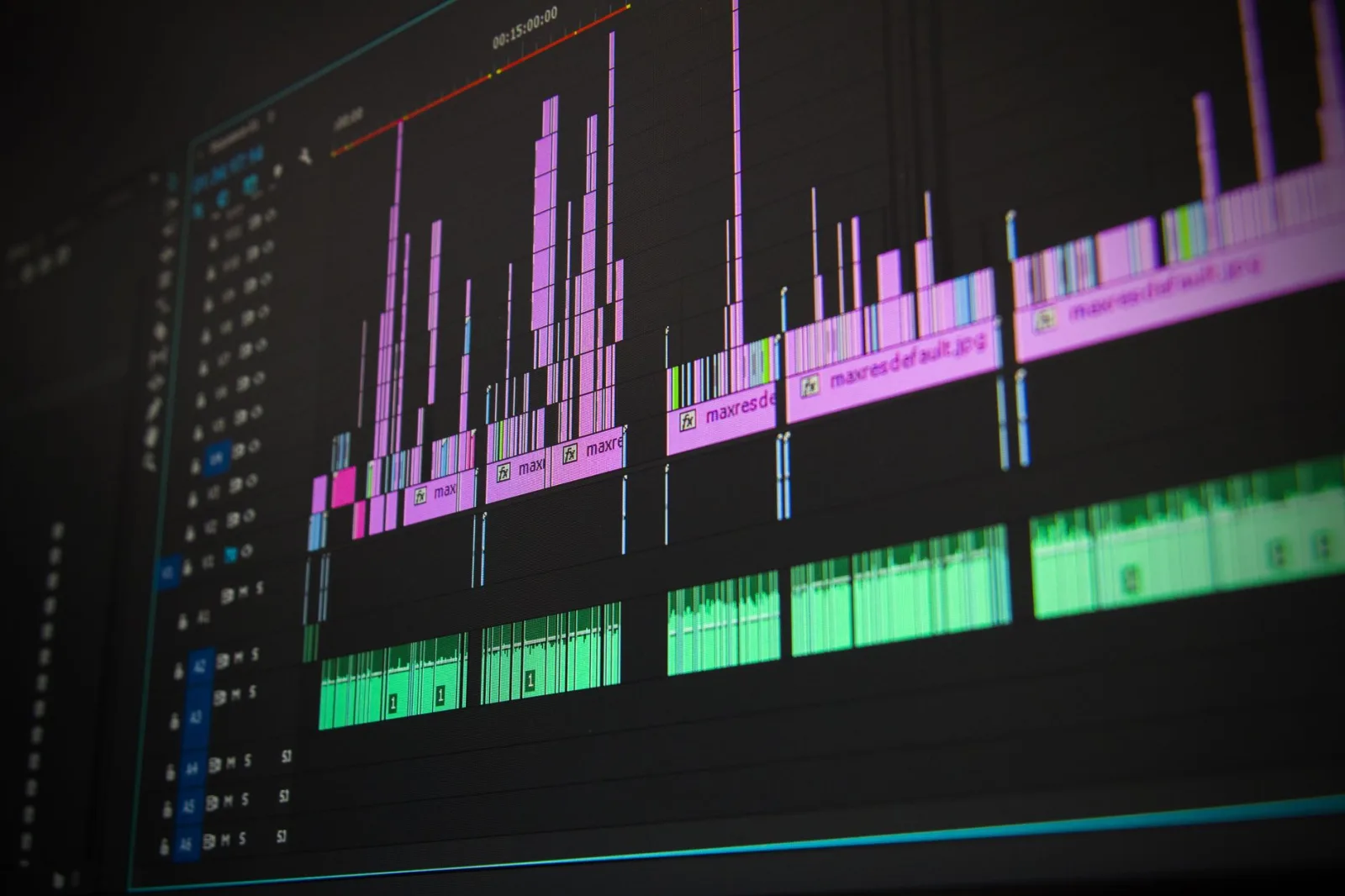
He laid the music on the timeline, marked every drum beat, then cut each shot between two markers. The video came out perfectly regular, and he watched it three times himself, content. Then he showed it to his brother, who left at minute two and said one thing: this is an advert.
He was right. The video did not contain a single technical error, and it contained a larger one: every shot took the same amount of time, so there was nothing important and nothing less important, so there was no meaning.
Why cutting to the beat works, and why it collapses
Cutting on the beat is easy on the eye because the viewer anticipates the moment. He heard the first beat and the second, so he expects the third, and when the picture changes at the expected instant he feels regularity. That is a real effect, and adverts and trailers use it for a reason.
But that is exactly its limit: regularity is for displaying things, not for telling something. An advert does not tell; it passes beautiful pictures by in thirty seconds. In a ten-minute video with a story in it, regularity becomes a sedative: nothing stands out, nothing makes the viewer pause, and he leaves without knowing why.
The deeper problem is that rhythm in music is fixed, whereas rhythm in a story varies by nature: it slows for explanation and quickens for action. We set out the cutting tools themselves in transitions in the edit, and cutting on the beat imposes the music's rhythm on the story rather than the other way round.
The dividing line: where you cut on sound and where you cut on meaning
| Kind of section | What you cut on |
|---|---|
| An opening or a short intro | The beat |
| A montage of shots with no speech | The beat |
| Moving between two places or two times | The beat |
| A scene with speech or an interview | The meaning; the beat is out |
| A moment of emotion or silence | Do not cut at all |
| Explanation or voiceover | The end of the thought, not the beat |
And one rule settles the mixed cases: if the viewer is listening to speech, the music is background and the cut follows the words. If he is only watching pictures, the music leads.
Four ways to cut to music
Do not use one method across the whole video; rotating between them is what keeps a section alive:
On the beat. The picture changes at the same instant. The strongest effect and the most easily worn out, so save it for the moments you want to land.
A few frames before the beat. Cut three or four frames early, so the picture arrives first and the sound then lands to fix it in place. This is softer and far more common in films, and it gives a sense of discipline without looking mechanical.
On the musical phrase. Every piece has units larger than the beat: a section that begins and ends every four or eight beats. Cutting at the start of the phrase rather than on every beat inside it gives you room to hold a long shot without falling out of rhythm.
No cut. One shot running across eight full beats. This is what separates a montage from a scene, and it is the most forgotten of the four.
Where to put the strongest beat
Every piece of music has a moment where it opens up: the full rhythm enters, or the instruments widen out. That moment is the most valuable thing in the track, so do not waste it on an ordinary shot.
Put one thing there that deserves it: the first wide aerial shot, the first appearance of the person the video is about, or the moment the story turns. And build everything before it as preparation for it.
Choosing the track itself is a decision made before the edit rather than after, and we set out how to find one with a safe licence in music in your videos: where do you get it safely?
Three signs you have overdone it
Review your section and look for these three:
Every shot the same length. If every shot is a second and a half, you did not decide anything, you handed the decision to the drum. The simple rule: vary the lengths, and make one or two shots far longer than the rest of the section.
Shots that got in because the rhythm demanded a shot. This is worse than monotony. If you find yourself placing a mediocre shot just to fill a beat, the fix is to take the music out of there rather than to fill the gap.
You cannot turn the music off. Try muting the sound and watching your section. If it collapses entirely and becomes meaningless, the section is carried wholly by the music, which means it is not telling anything on its own.
How to do this in your software
It does not matter which software you use; the steps are the same:
- Lay the track first and listen to it all the way through once without touching the picture.
- Hit the marker key on every strong beat you hear while listening in real time. That is more accurate than counting and faster than calculating.
- Mark in a different colour the moment where the track opens up.
- Choose your shots and then arrange them between the markers, not the other way round. The order comes from the story first.
- Remove some of the cuts once you have finished. The last stage of this method is subtraction rather than addition: you are easing off a regularity you created yourself.
And if your video is a vlog, cutting to music suits only its transition sections; the structure of the vlog itself has another method, which we set out in editing a vlog.
And the question that settles the subject
Before you cut a section to a beat, ask: what do I want the viewer to feel here?
If the answer is "to see how beautiful this place is" or "to feel the movement", the beat is the right tool. If the answer is "to understand" or "to be moved by what this person said", turn the music off and cut on the words.
Videos that look like adverts are not badly edited. Their makers used a display tool where the telling should have been.