
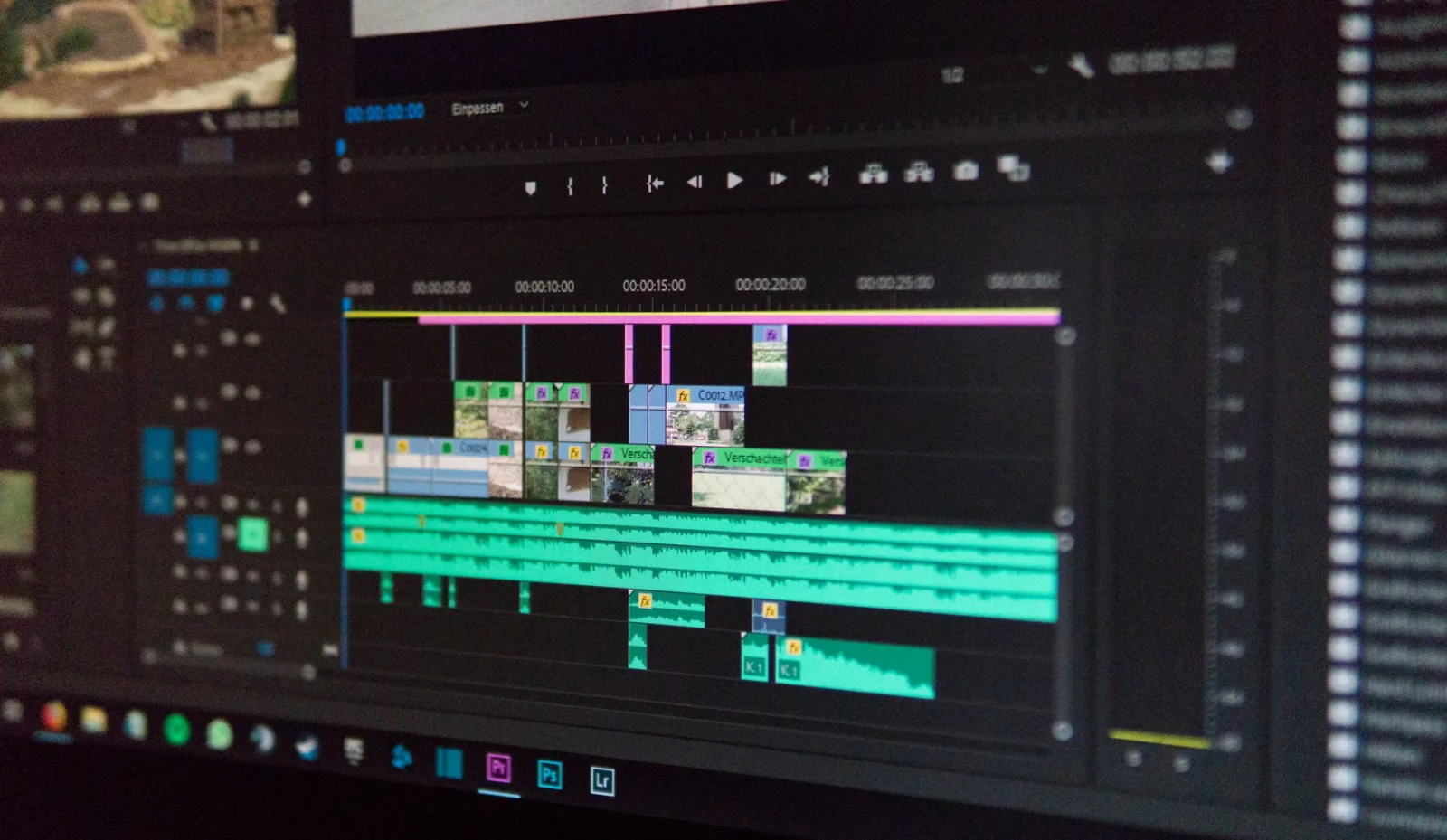
On the first video he ever cut, he was proud of one thing: the transitions. Something different at every cut, a spin, a flash, a wipe from the right, a fast zoom. He spent a whole night on it.
He published it and got a polite comment: "the video is tiring to watch." He did not understand.
A week later he watched a documentary he loves and decided to count its transitions. He sat for twenty minutes counting, and found one thing: all of them were straight cuts. Not one shiny transition in twenty minutes.
The cut is the default; everything else is an exception
A straight cut is not an option on a menu; it is the natural state. The human eye accepts it because it does something similar: it looks at one thing and then moves to another with nothing in between.
So the right question is not "which transition do I use?" but "do I need a transition at all?" And the answer at most cuts is no.
Why beginners use so many transitions
The real reason is not taste but a feeling that the cut looks wrong. And a cut looks wrong for two reasons:
- The two shots are too similar. Same size, same angle, so the cut reads as a jump.
- Nothing covers the seam. No shot in between, no sound tying them.
In both cases the answer is not a transition but another shot or a change of frame size. That is the door opened by Cutaways in Editing: When to Use Them and Why, and it is exactly what solves the cut problem in a long interview, as in Editing an interview: how do you cut an hour of talk to ten minutes?
Five transitions that last a lifetime
| The transition | Its job | When you use it |
|---|---|---|
| Straight cut | Time and place continue | In ninety of every hundred cuts |
| Fade to black | A chapter has ended | Between sections, and at the end |
| Cross dissolve between two images | Time passed or the place changed | In scenes spanning hours or years |
| Cut on movement | Hides the seam | On a hand gesture, a step, a turn of the head |
| Cut on sound | Audio leads or trails the picture | In every dialogue and every voiceover |
Those five make everything you need. Any other transition in your software exists for other purposes, not for a video people watch to understand something.
The rule: a transition means time or place
Put this rule above everything: a visible transition tells the viewer that something changed, and changed significantly.
So if you use one between two sentences from the same person in the same room, you are telling the viewer something changed when nothing changed. That is the tiredness that comment was describing.
The audio transition matters more than the visual
The strongest tool in this subject is one the eye never sees: separating the audio cut from the picture cut.
- Sound leads the picture: you hear the new place before you see it, so the transition feels natural.
- Sound trails the picture: you see the new place while the old speech continues, so the idea stays connected.
That is the first thing separating professional from beginner work in dialogue videos. The three audio layers and how to set them are in Audio levels in the finished video.
And add one simple thing: any cut that feels harsh softens if you run the location's ambient sound underneath both shots.
When a shiny transition does belong
Three cases and no fourth:
- Fast short-form clips, where the rhythm is part of the pleasure.
- A music video, where the picture follows the track.
- The start of a chapter in a long video, provided it comes with a change in the audio and the same shape repeats at every chapter.
In the third case the transition has become part of the video's identity rather than decoration. The difference is that it repeats regularly and means something.
Four mistakes
- A transition at every cut. It cancels the meaning of a transition.
- Too long a duration. Most transitions work in under half a second; a full second feels slow.
- A transition covering a mistake. If a cut is hiding something, the viewer senses it even without knowing what.
- Different shapes in one video. Pick one shape and use it throughout.
How to test your transitions
Three quick checks before export:
- Watch with no sound. Every transition you notice without sound is a surplus transition.
- Delete them all and watch. If nothing is missing, they were decoration.
- Watch on a phone. A transition that looks smooth on a large screen can read as a jolt on a small one.
An exercise
Take your last video and rebuild two minutes of it with straight cuts only, plus cutaways and extended sound. Then compare the two versions.
You will find what everybody who tries this finds: the video is cleaner and faster, and what you were solving with transitions was solved by ordering. That is the practical meaning of Editing Basics for Beginners: Start by Deleting, Not Adding, together with the cutting rules in The Line of Action and Cutting Rules: Filming a Scene That Can Be Edited.
The rule that sums up the subject: a good transition is one nobody notices.