
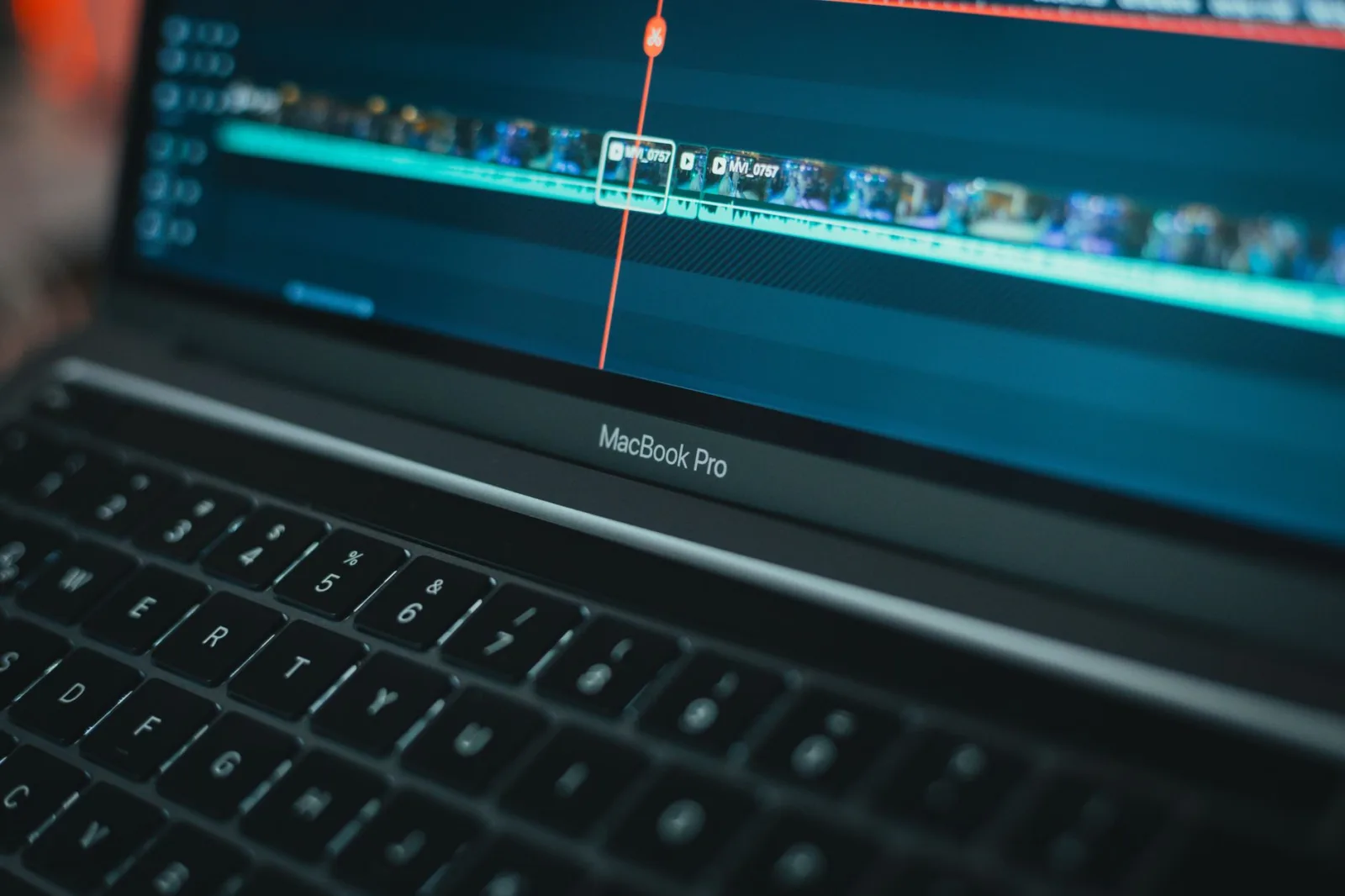
He sat in front of the timeline at eleven at night with one hour and forty minutes of recorded speech for a twelve minute video. He pressed one button and the software stripped out every silence by itself in under two minutes. He was delighted, then he watched it back: the speech was glued together with no breath in it, every sentence chasing the one before it as though somebody were after the speaker. He restored the earlier version and started again.
That is the whole story in one scene. The new tools inside editing software do not ruin your work on their own, but they carry out what you asked with a literalness that knows nothing about rhythm. Some jobs need exactly that literalness. Others die of it.
Three capabilities, not magic
Everything called "AI editing" today comes down to three capabilities, and knowing them lets you predict where a tool will succeed and where it will fail:
- Speech recognition. Turning audio into text with the timing of each word attached. Subtitles, text-based editing, and searching for a sentence inside hours of footage all come from this.
- Image recognition. Identifying a face, a person, a place or a shot type. Automatic tagging, auto-reframing and subject separation come from this.
- Estimation and generation. Inventing what should be in a place where there is no data: clean audio under noise, frames between frames, parts of an image outside the frame.
Look at any new tool and ask which of the three it rests on. If it is the first or second, it is reading your material, and its mistakes are visible and fixable. If it is the third, it is inventing what was never there, and its mistakes look perfectly fine until you see them on a large screen.
The jobs that really save you time
Transcribing speech. This is the biggest honest win. A two hour interview becomes pages you read in ten minutes, marking with a pen what belongs in the film. You then cut in the software based on those marks, and you have saved the two hours you used to spend listening from beginning to end.
Subtitles and on-screen text. The machine produces the draft, you correct names and terms and break the lines. See On-Screen Text and Subtitles: Why People Watch With the Sound Off for line rules, and Automatic subtitles and dubbing before you translate a whole channel.
Labelling footage and searching it. An automatic description for every clip, and search by words: "wide shot of the market", "the man laughing". It is no substitute for organising properly from the start, but it rescues you on a large project. It extends what you already do in Setting up an edit project.
Cleaning audio. Noise removal, reverb reduction, separating speech from music. Results here have improved a great deal and now rescue recordings that used to be written off. Even so, use the smallest amount that works: overdoing it leaves the voice metallic and flat.
A first colour match. Bringing shots from two cameras close to each other so you start from a sensible point instead of zero. The taste decisions after that stay yours.
The jobs that delegation ruins
Cutting for rhythm. Silence is not emptiness, it is part of the speech. A speaker takes a breath before the important sentence and stops after it so the meaning can settle. A tool that deletes every pause longer than half a second deletes all of that, and you end up with a video that is fast and exhausting. If you do use it, set it to a longer threshold, then walk the timeline and restore the pauses that carry meaning. The principle behind all of this is in Editing Basics: Start by Deleting, Not Adding.
Choosing the cutaway. The tool puts up an image related to the word. You put up an image that adds a meaning the word does not say. The difference between the two is the difference between a video that resembles everyone else's and a video that resembles you. See Cutaways in Editing: When to Use Them and Why.
Automatic music and transitions. Templates that generate a whole video from your clips always produce something clean and average. Nothing wrong with it, and no reason to watch it.
Auto-reframing on a face. Fine in a long talking clip, ruinous in any scene with a deliberate composition. Use it where the subject's place in the frame does not matter, not where it does.
Any edit that changes reality. Redirecting a gaze, moving lips to match different words, repairing a sentence that was never said. In a tutorial that is misleading. In documentary material it is a betrayal of the person you filmed.
How to fit them into your workflow
Split your project into three stages and apply one rule to each:
| Stage | What you do | Delegation |
|---|---|---|
| Preparation | Transcribing, labelling, sorting, selecting | Open, with a quick review |
| Decision | Cutting, order, silence, choosing shots | Yours alone |
| Cleanup | Audio, colour, subtitles, export | Open, with a full review |
The middle stage is the film. The other two are the work around it. Your real time saving comes from the first and third, and whoever protected the middle one came out with a video that sounds like himself.
Four questions before you trust a new tool
- Can I go back? If the tool changes your original files and leaves no copy, do not use it.
- Where does my file go? Some tools upload your material to a remote service. In footage with people or private conversation in it, that decision belongs to the person you filmed, not to you alone.
- Can I adjust the result by hand? A tool that gives you one result with no controls is a marketing tool, not a working tool.
- Did the final cut get better, or only faster? Watch the whole video before judging. Speed alone is no win if the result came out weaker.
After that there is a question about your audience rather than your work: what is worth telling them about any of this? The practical rule is in What Do You Tell Your Audience About Your Use of AI?, and the general test for choosing between one tool and another is in Where AI Helps in Video Making and Where It Ruins It.
One line to keep: delegate what has a single correct answer, and keep what has a better and a worse one.