
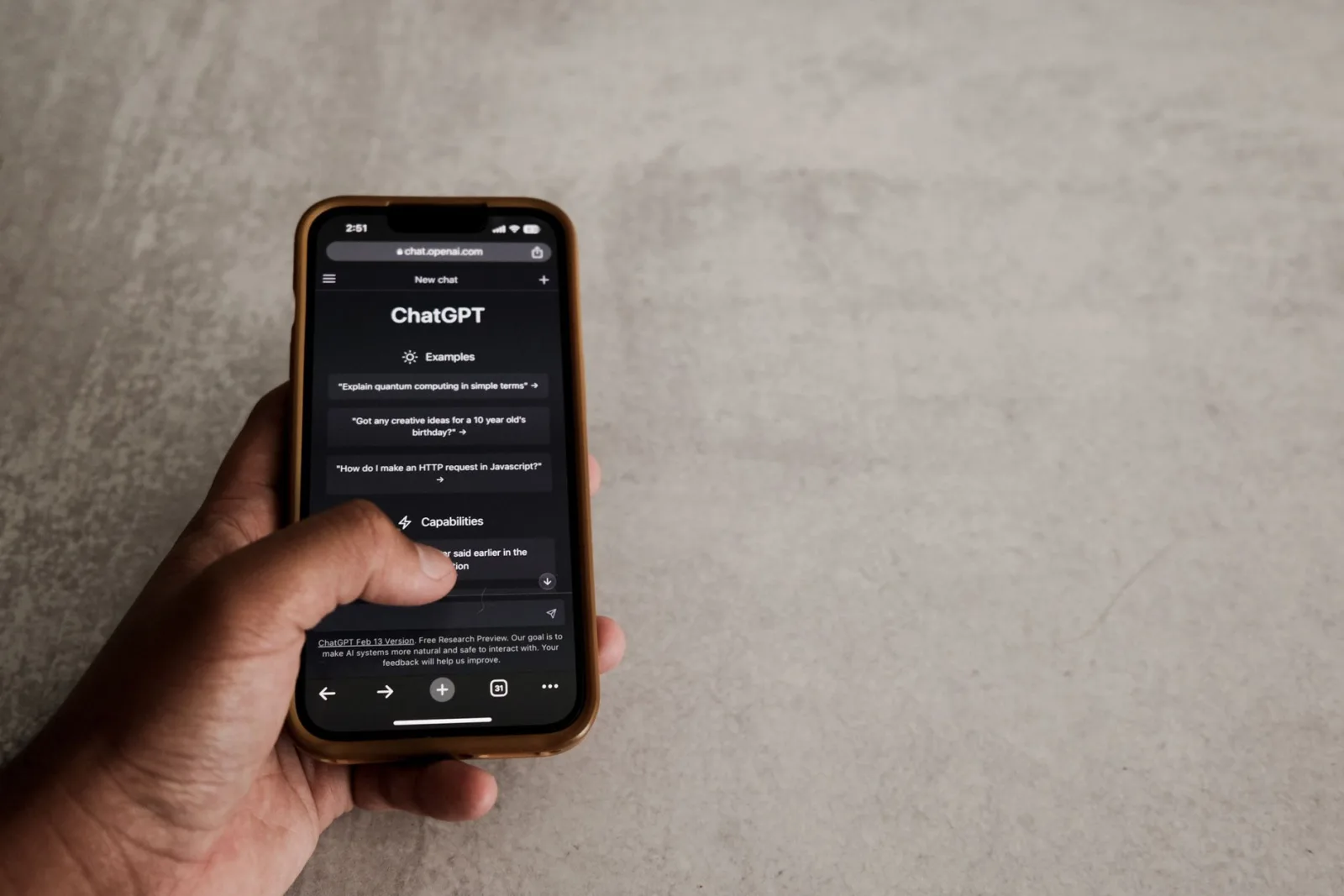
The comments had grown past what his time could carry, so he switched on a tool that replies automatically in a friendly tone. For the first week everything looked fine.
Then somebody wrote that the fact at minute four was wrong, with a source. The reply came back: "Thanks for your lovely comment, delighted you stopped by." Under it, another person wrote that they had lost a relative and the video had been a comfort, and got the same reply in the same cheerful phrasing.
Two days later came the one comment that hurt more than any of it: "Are you even here?"
Three jobs inside the comments
Comments are not one job but three, and confusing them is the root of the error:
- Sorting: knowing what arrived — a question, praise, a correction, abuse, a work enquiry.
- Drafting: turning your answer into two clear, courteous sentences.
- Sending: pressing publish in your name.
The first delegates safely, the second delegates with conditions, and the third does not delegate. Whoever hands all three to one tool gets what our man got.
What delegates safely
| The job | What the assistant does | What stays with you |
|---|---|---|
| Sorting | Reads the hundred and splits them into five groups | Reading groups rather than every comment |
| Spotting repetition | Surfaces the five most repeated questions | Deciding which becomes a video |
| Translation | Translates a comment in a language you do not read | Checking the meaning before replying |
| Draft replies | Writes two sentences from your own material | Editing and signing |
| Flagging abuse | Shortlists what deserves blocking | Judging the borderline cases |
The strongest gain in that table is the second row. A question repeated in a hundred comments is your next video, and you cannot see it because you read comments one at a time.
What never delegates
Four cases, all for one reason: the reply itself is the value, not its wording.
Correcting a real error. If somebody points out a mistake in a fact, that is a gift rather than a comment. The right response is to thank them by name, pin their comment, and correct it in the description or in a video. An automated reply here tells your audience you do not read.
A complaint or a note on paid work. That is professional responsibility, and other people read it.
A message carrying real distress. We come to that below.
A question about your own experience. "Were you afraid out there?" is a question the assistant does not have the answer to, and any answer it invents lies about you and to the person asking.
A three-step workflow
This is the shape that works, saving real time without losing your voice:
- It reads and sorts: at the end of each day, the assistant reads the new video's comments and gives you a list: questions needing a reply, notes deserving attention, praise, abuse.
- It suggests: it drafts two sentences for each question in the first group, from your own material rather than its general knowledge.
- You send: you read the drafts in fifteen minutes, edit what needs editing, delete what does not suit you, and send.
Organising the time itself is covered in How Should You Reply to Comments Without Letting It Eat Your Day?, and this workflow serves that rather than replacing it.
Your tone file
A draft will not sound like you unless you give the assistant a file it can learn your voice from: three sentences from your past replies, words you use and words you do not, the reply length you like, and your position on recurring questions.
The difference between a draft from a tone file and one without is the difference between editing for two seconds and rewriting from scratch. It is the same logic we set out for delegating the edit in AI-assisted editing: delegate what has one correct answer.
Negative comments
Do not let a tool rule on these. The difference between criticism that deserves a reply and abuse that deserves silence is a difference of context rather than of words, and the tool reads words.
Use it for sorting only: gathering everything with sharp language into one group you read at a time you choose, rather than the moment you open your phone in the morning. The criteria for replying or ignoring are in Negative Comments: When to Reply and When to Ignore.
When somebody writes to you in real distress
This is the case where the answer has to be absolute: do not delegate it to any tool, do not let a tool reply to it, and do not put it in a batch of group replies.
The kind response here is three sentences from you: that you read what they wrote, that you are honestly a creator rather than a specialist, and a pointer to a specialist service or a support line in their country. That is exactly what we set out in Boundaries with your audience: how do you stay close without using yourself up?
And protect yourself too: do not read those messages late at night, do not make yourself anybody's permanent support, and talk to somebody close to you if it weighs on you.
Do you tell your audience?
The practical rule: if the reply goes out in your name, reviewing it is your responsibility, and as long as you read, edit and send, you are the one speaking. If you let a tool reply with no review, honesty requires saying so, and then your audience will ask what the difference is between you and a customer-service page.
The general disclosure rule is in What Do You Tell Your Audience About Your Use of AI?
Four warning signs in any tool
- It sends without review. Leave any tool that replies automatically without your approval, however good its replies.
- It invents information. If it answers a technical question in your field with nothing from your own material, it is making things up.
- It replies to everything. Praise does not always need a reply, and replying to every comment makes your replies worthless.
- It asks for broad account permissions. Blocking and deleting rights do not go to a tool.
Fifteen minutes in your own hand
In the end, the comments are where your audience learns that you are a person. Fifteen minutes from you there carry more weight than an hour of tidy replies with nobody behind them.
So let the machine read the hundred, read the ten that matter yourself, and answer those in your own words. That is the delegation that saves your time without taking your voice.