
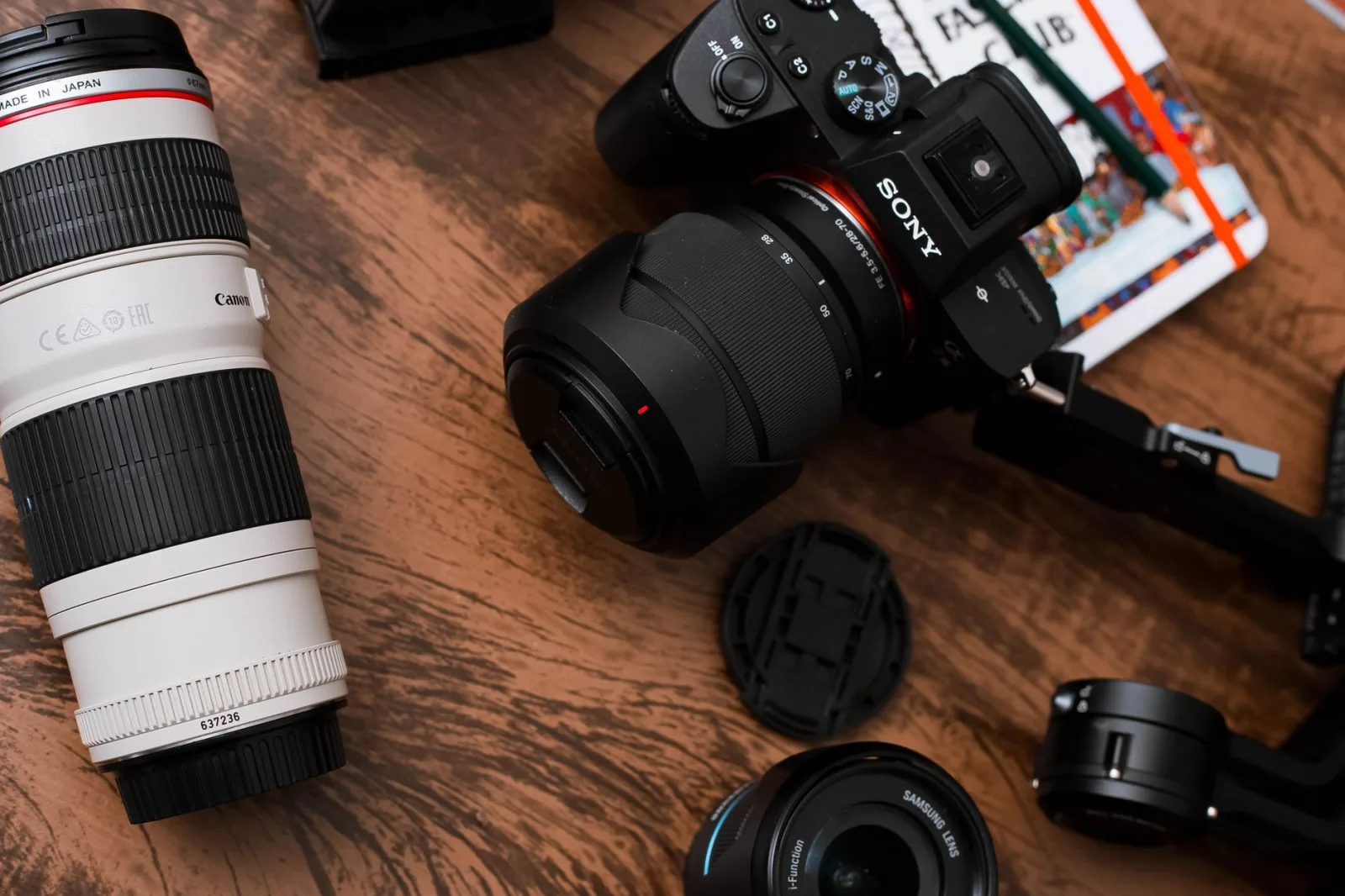
Used gear changes hands under different rules from country to country, and in many places there is no right of return between two private individuals. What follows is a practical inspection method, not legal advice.
He bought a used camera at half the new price and was pleased with the deal for two full weeks. Then he filmed a clear sky and saw a fixed grey spot in the middle of the frame, present in every shot and not moving when the camera moved. He tried to call the seller and the number was dead, and there was not one piece of paper between them.
The spot was there before he bought it, and he could have seen it in ten minutes if he had known where to look. This article is about those ten minutes.
Used is not dangerous, but it needs attention
Most people selling their gear are not con artists. One has left the field, another has moved to a different system, a third needs the money for something else. The used market is the realistic route to gear many people cannot buy new, and there are genuine bargains in it.
But the rule that governs it is that a camera is an object with moving parts, a sensor and a battery, and each of those wears out. The difference between a good deal and a loss is knowing which part to check and how. Most serious problems do show up in an inspection, rather than a month later.
Before you go: three messages that save you a trip
Most of the screening happens in the conversation, not at the meeting. Ask the seller three things before you agree a time:
The shutter count or recorded hours. A camera has a counter, like a car's odometer. On most cameras you can read it from the info menu, or from any photo file using software that reads image data. Ask for a screen photo or a raw file straight off the camera. A very high number on an old body means the shutter is near the end of its life.
Why they are selling, and how long they used it. A calm detailed answer is reassuring; a tense or contradictory one is not an accusation, but it is a reason for more questions. Also ask: was it used in daily work, or on occasional projects?
Warranty, receipt and box. A body still inside the distributor's warranty is a completely different thing from a body with no paperwork at all. If the box and receipt exist, that raises your confidence, not just the price.
And ask a simple fourth question: has it been dropped, exposed to water, or been in for repair? Anyone who answers that one honestly has earned more of your trust.
Where you meet decides how good the check is
Do not inspect a camera in a car or on a pavement in the sun. Pick somewhere with enough daylight, a seat to sit on, and power if possible, such as a quiet cafe or a mall atrium. A public place is also safer for both of you.
Take three things with you: a charged battery if you have a compatible one, an empty memory card of your own, and your laptop or phone so you can open the files the moment you shoot them. Anyone who refuses to let you shoot files and move them to your own card is someone you walk away from.
Take your time. And anyone who rushes you through the inspection has given you a reason to leave on that alone.
Checking the body in ten minutes
Order the inspection like this, from the most to the least important:
The sensor. Set the lens to the smallest available aperture, shoot an overcast sky or a white wall out of focus, then open the image and zoom in on your laptop. Fixed spots and dark lines show up plainly here. Small black dots are usually dust that cleans off; clear lines or a scratch are a problem that no reasonable sum will fix.
Dead pixels. Shoot a frame with the lens cap on and a long exposure, then look for bright points in a black image. One or two is normal; dozens are not.
The shutter and burst mode. Fire one frame and listen, then run a burst of ten and watch whether the rhythm stays even. Hesitation or a harsh metallic sound is a bad sign.
Actual recording. Record two continuous minutes of video and watch the body temperature and any thermal cut-off warning. A camera that stops after a minute and a half is a problem that will never appear in stills.
Ports and screen. Move the screen through all its positions and press every button, and test the touchscreen if there is one. Open the port door and look at the mic and headphone inputs, and try your memory card in every slot.
The battery and its compartment. Look inside the battery bay with your phone torch. Rust, a green residue or a water indicator mark means liquid got into the body. That alone is reason enough to walk away, because water damage surfaces months later.
Letters and numbers. Check that the serial on the body matches the box and the receipt if they exist.
Checking the lens matters more than the body
A lens stays with you across several bodies, and a fault in it costs more to repair. To work out which lens you actually need, it helps to read one lens or two before you start shopping.
Hold the lens up to a light source and look through from both ends:
- Internal fungus. Fine white lines like a spider's web between the elements. Fungus spreads and does not stop, and you do not buy a lens with fungus at any price.
- Internal dust. Small specks between the elements. A little is normal in any used lens and does not affect the image.
- Scratches. On the front glass they may not matter much; on the rear they are more serious, because it sits closer to the sensor.
- Zoom and focus rings. Run them end to end. Even resistance is good; a point where they catch, or a gritty sound, points to sand or internal damage.
- The mount. Fit the lens to the body and try to move it gently. Play means a worn mount.
- Image stabilisation. Switch it on and listen, then switch it off. A continuous clicking or a vibration you can feel is a problem.
Finally, shoot a test frame of printed text on a wall and make sure focus actually lands where you pointed it, not in front of or behind it.
Four things you do not buy used
| Item | Why |
|---|---|
| Batteries | They lose capacity with use, their age is invisible, and a tired cell swells |
| Memory cards | They fail with no warning and take a whole shoot day with them |
| Wireless mics | Transmission faults do not show up in a short test |
| Anything far below a sensible price | A very low price is explained by a fault or a questionable source |
Three things, on the other hand, are smart to buy used: tripods, cases and bags, and old manual lenses if you know what you want from them. These are simple mechanical objects that live a long time.
The moment you pay
Agree the price after the inspection, not before, and let what you found carry your argument: naming a real fault you saw yourself opens the door to a reasonable reduction, unlike general haggling.
Ask for one piece of paper before you hand over money, even a written message in a chat app: the seller's name, a description of the item and its serial, the price, the date, and a line saying it was sold as seen. That does not make the sale an airtight contract, but it does leave a written record between you.
If the sale is remote, prefer the services that hold the money until the item arrives and is checked, and do not send money directly to someone you do not know.
More important than any of this: do you need it?
A good inspection protects you from a bad item, but not from buying an item you do not need. The oldest rule in this file is that the buying order starts with sound, then light, then the camera, which we set out in lighting gear on a small budget.
A good used body with a healthy lens and a simple mic produces far better video than a shiny new camera with bad sound. The used market is a good tool for anyone who knows what they need before they start looking.